This article will help you add UTM parameters to your form so you can track the traffic source and campaign details through the form URL.
Add UTM parameters to your form
Follow the steps below to add UTM parameters to your form:
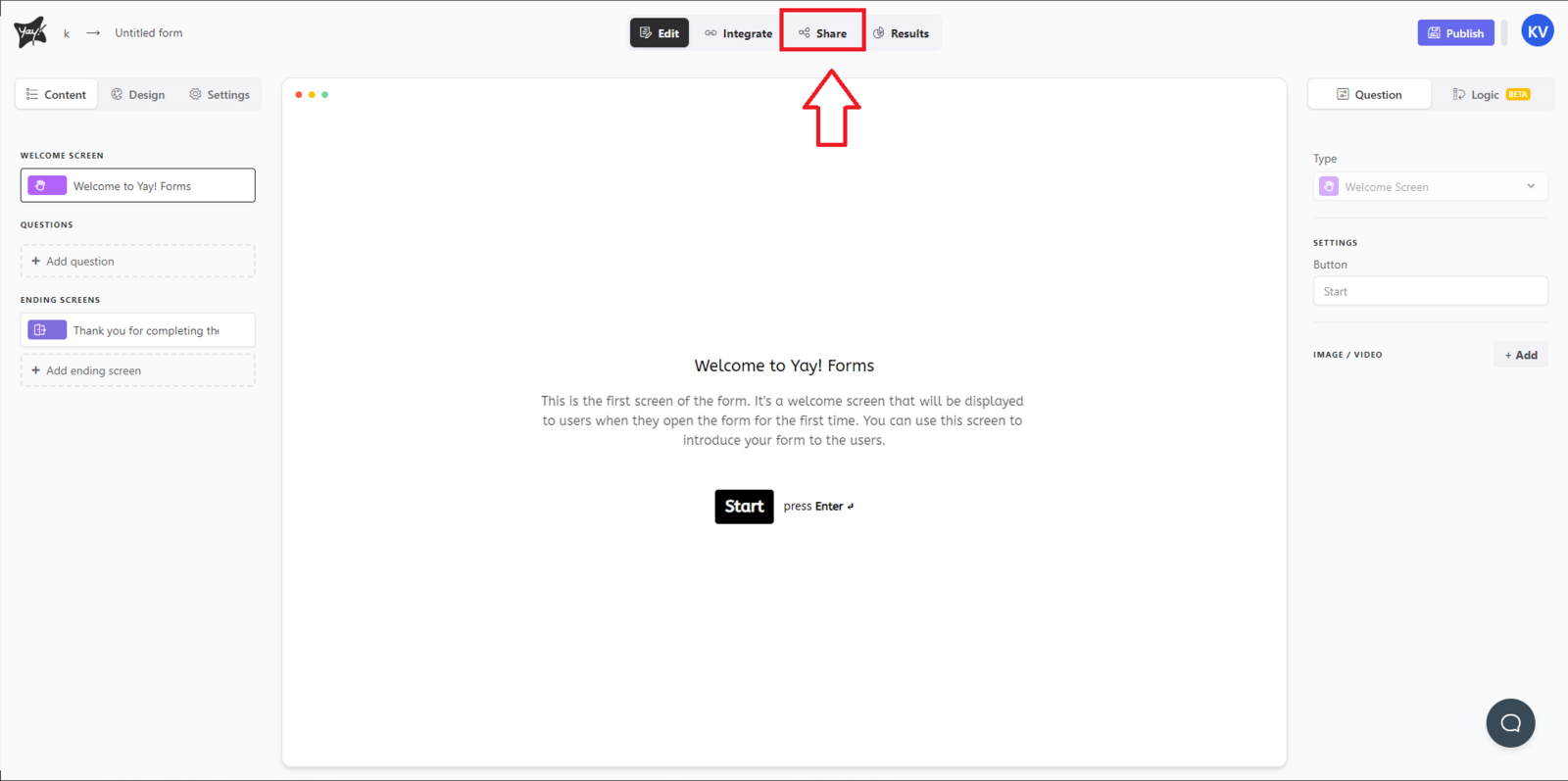
First, you must open the desired form and navigate to the Share tab.
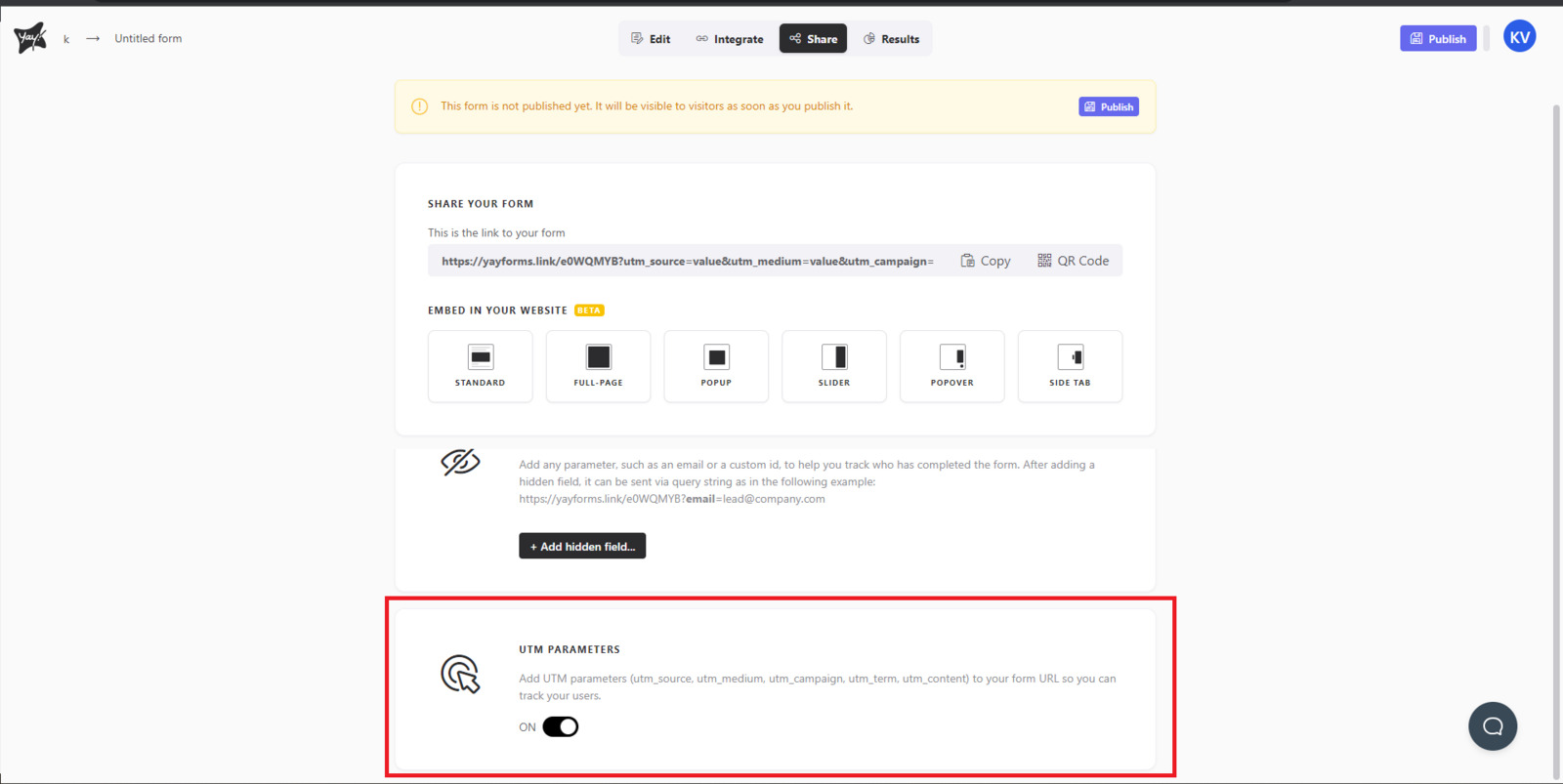
Now, simply scroll down and enable the UTM Parameters option. After that, you will notice the UTM parameters in your form URL.
Support
If you have any questions or suggestions, send an email to [email protected].
Conclusion
You learned where to find the sharing settings for a form and how enabling UTM parameters updates the form URL to include those tracking parameters.