This article will help you find and manage your notification preferences in Yay! Forms, allowing you to enable or disable how you receive notifications.
Accessing notification settings
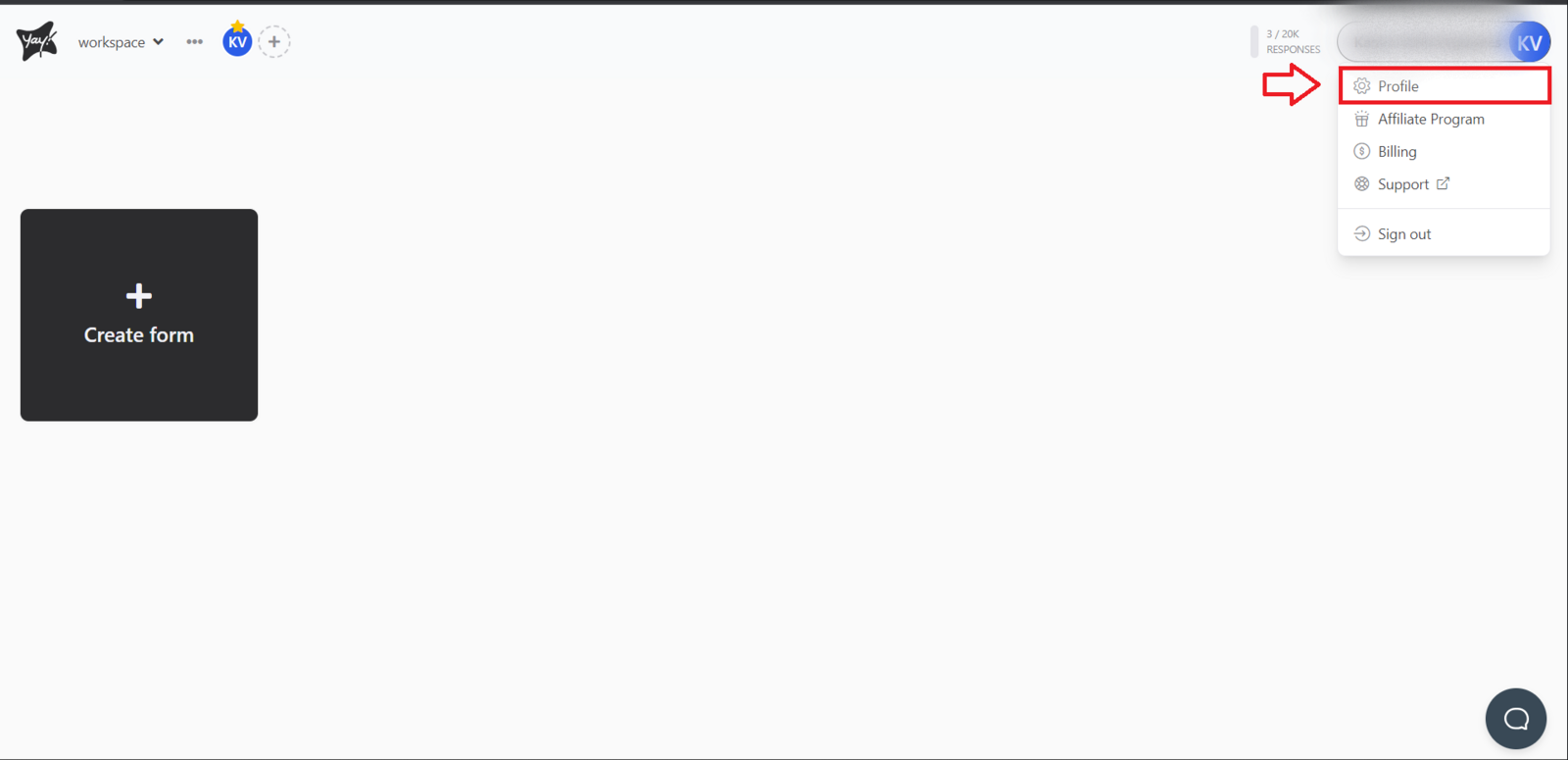
On the Yay! Forms main screen, click your profile icon. You will find this option in the top-right corner of the screen.
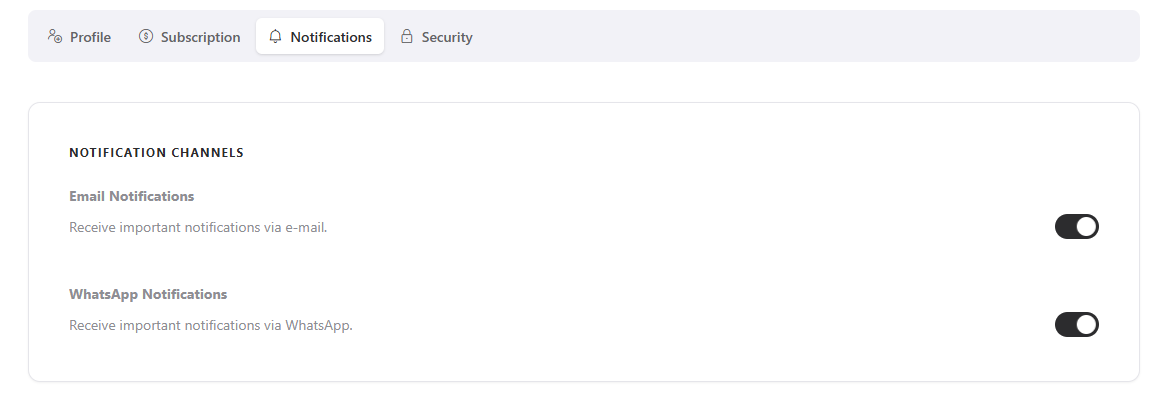
After that, navigate to the Notifications page. In this section, you can enable or disable how you will receive notifications, as shown below:
Conclusion
You learned where to access the Notifications page in Yay! Forms and how to adjust the way you receive notifications by enabling or disabling the available options.