This article explains how to create and configure a question type that allows users to enter a date, including how to set the date format and adjust related settings.
Date question type overview
In this type of question, users can enter a date.
Selecting the question type
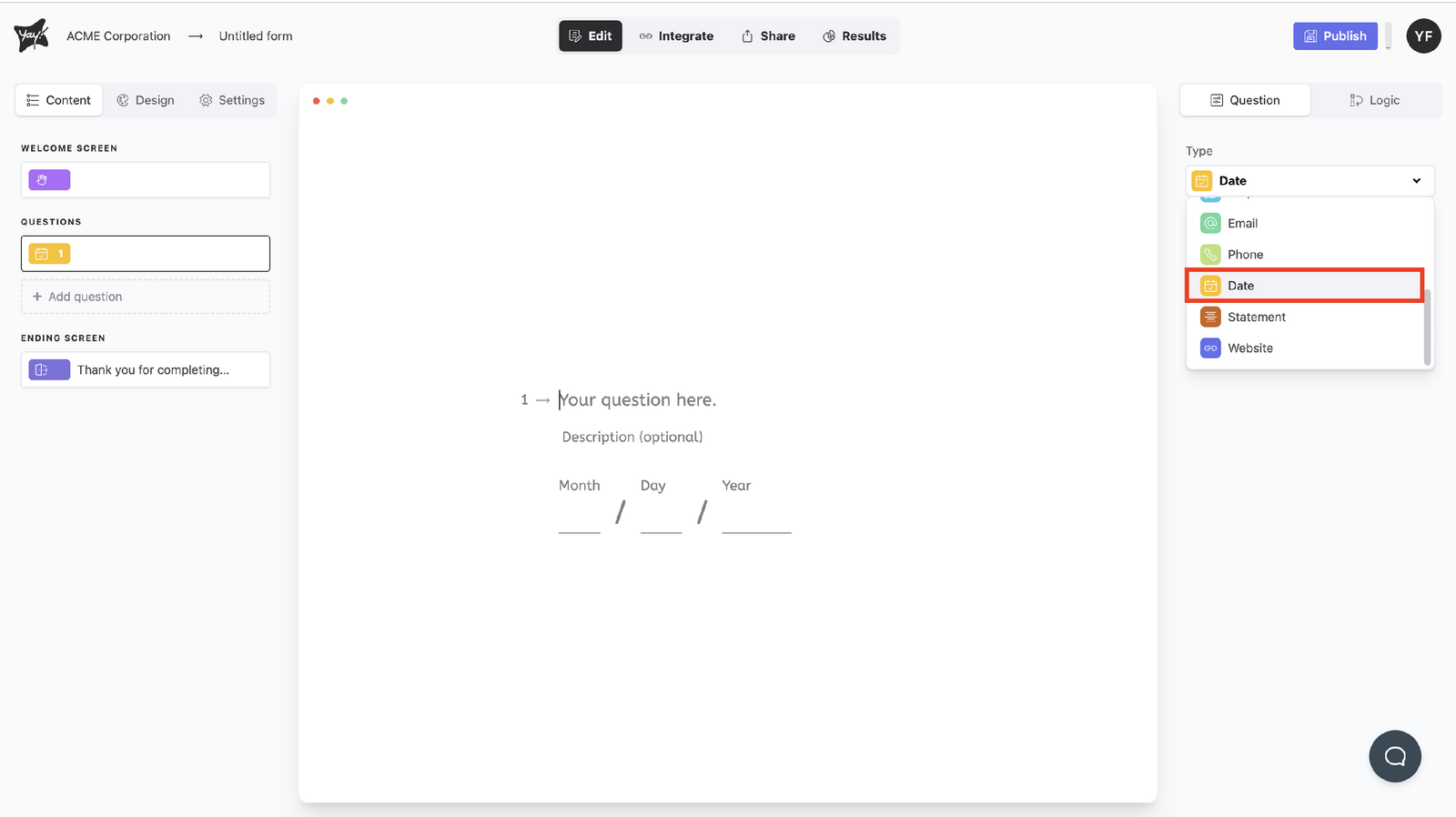
Choose this question type by selecting Date from the dropdown menu under Type.
Editing the question text
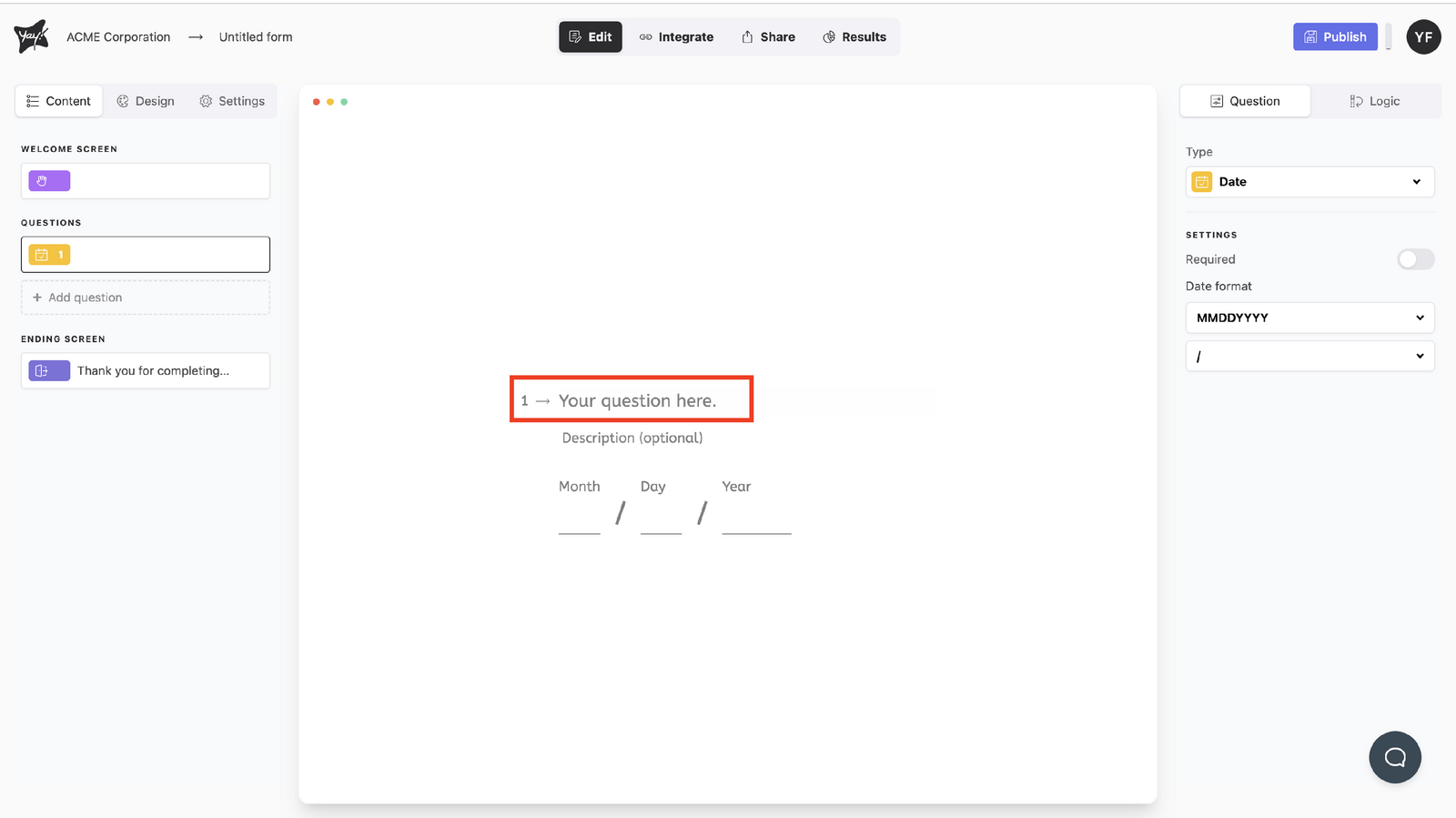
Edit the question by typing in the "Your question here." input.
Adding an optional description
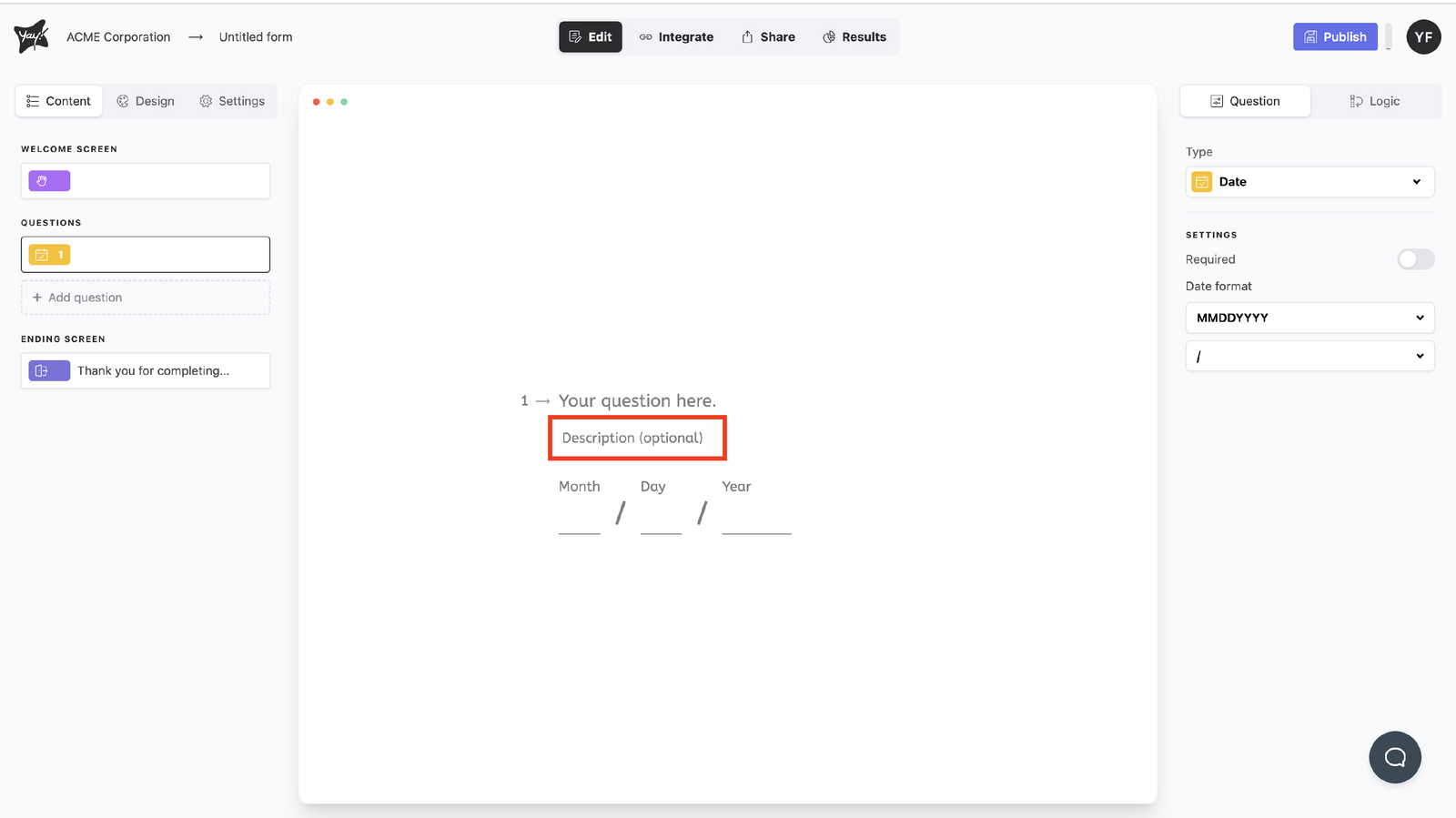
If you want, add a description by typing in the description input.
Adjusting settings
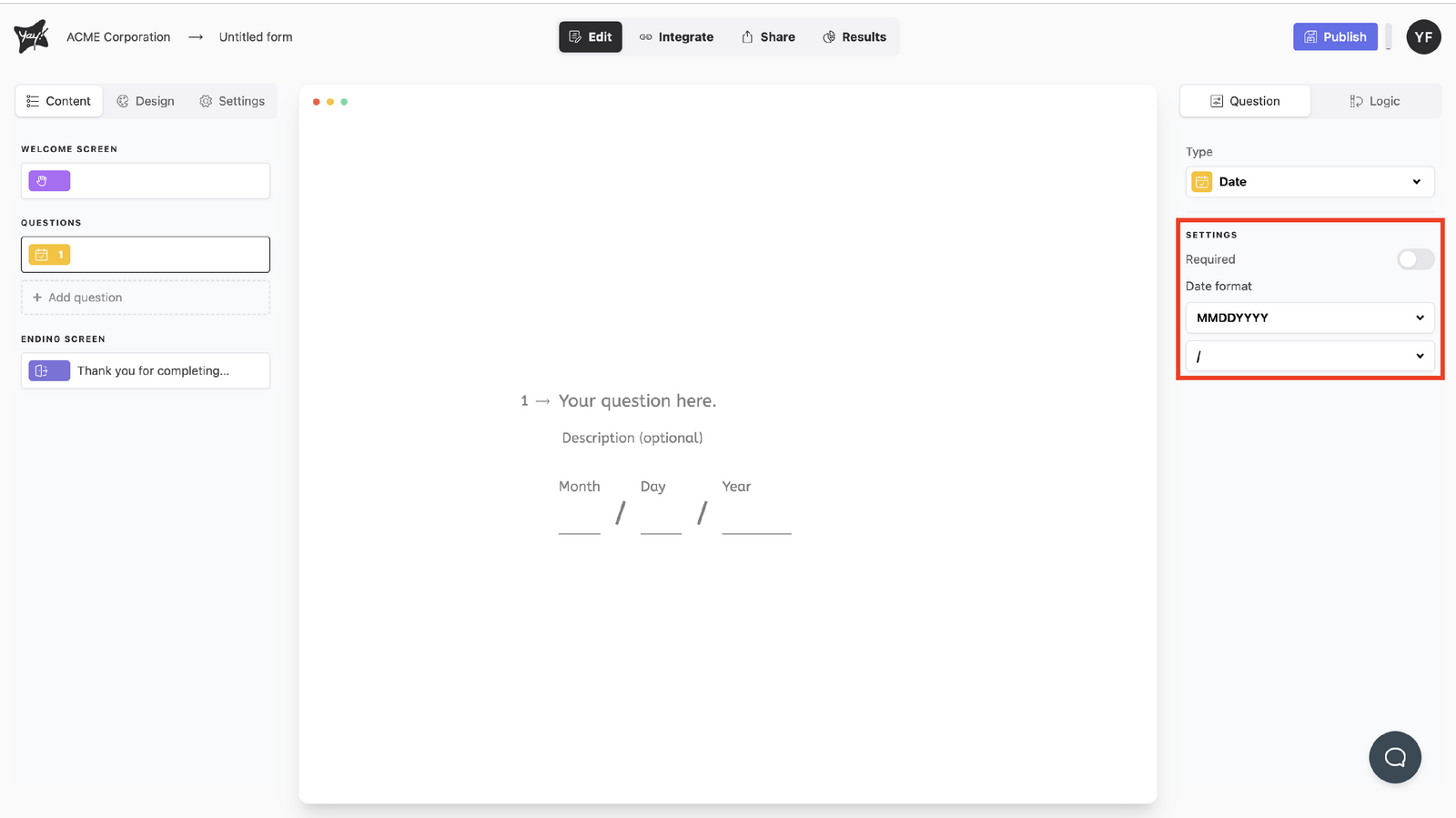
Edit the settings to your liking.
Changing the date format
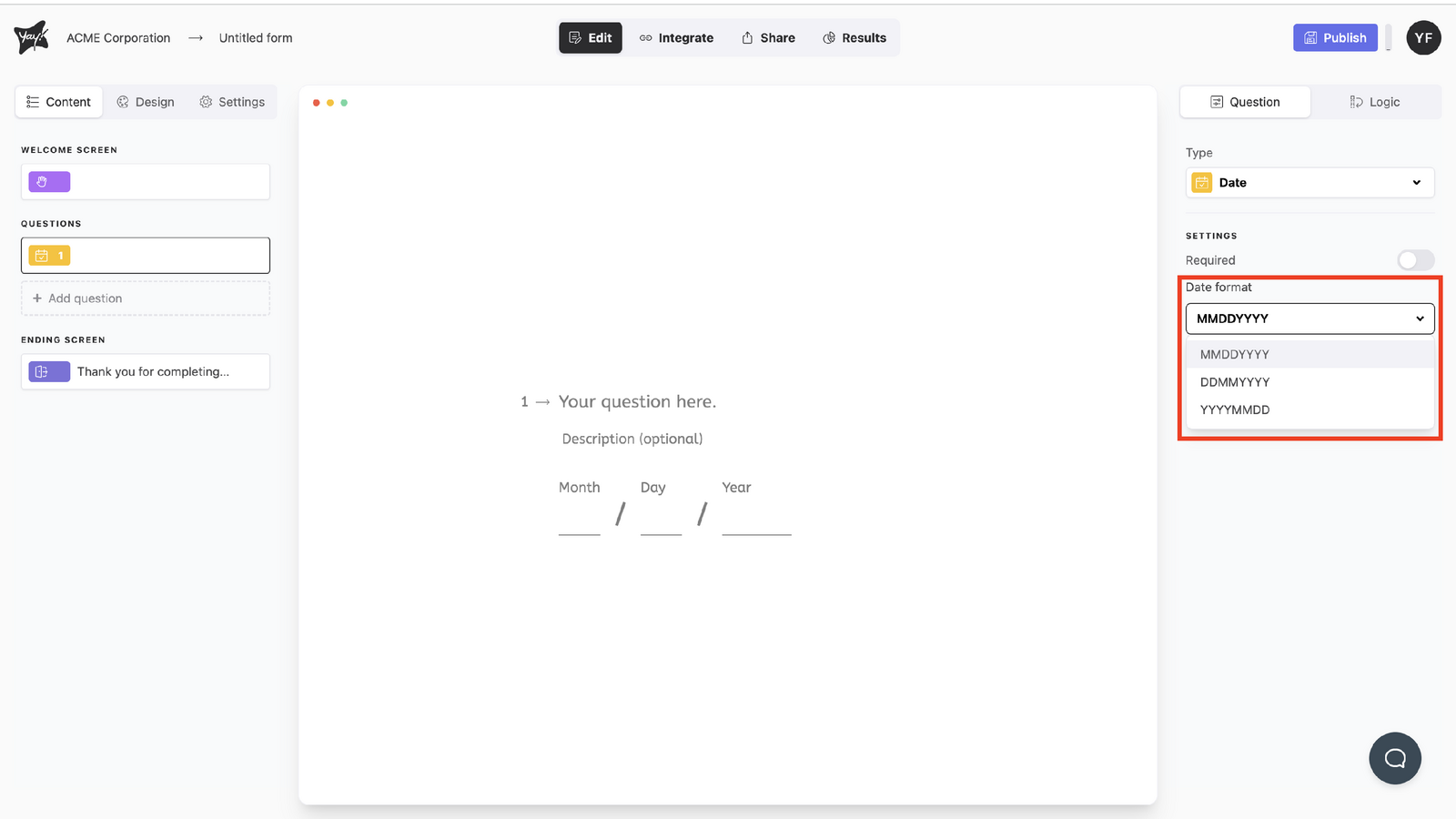
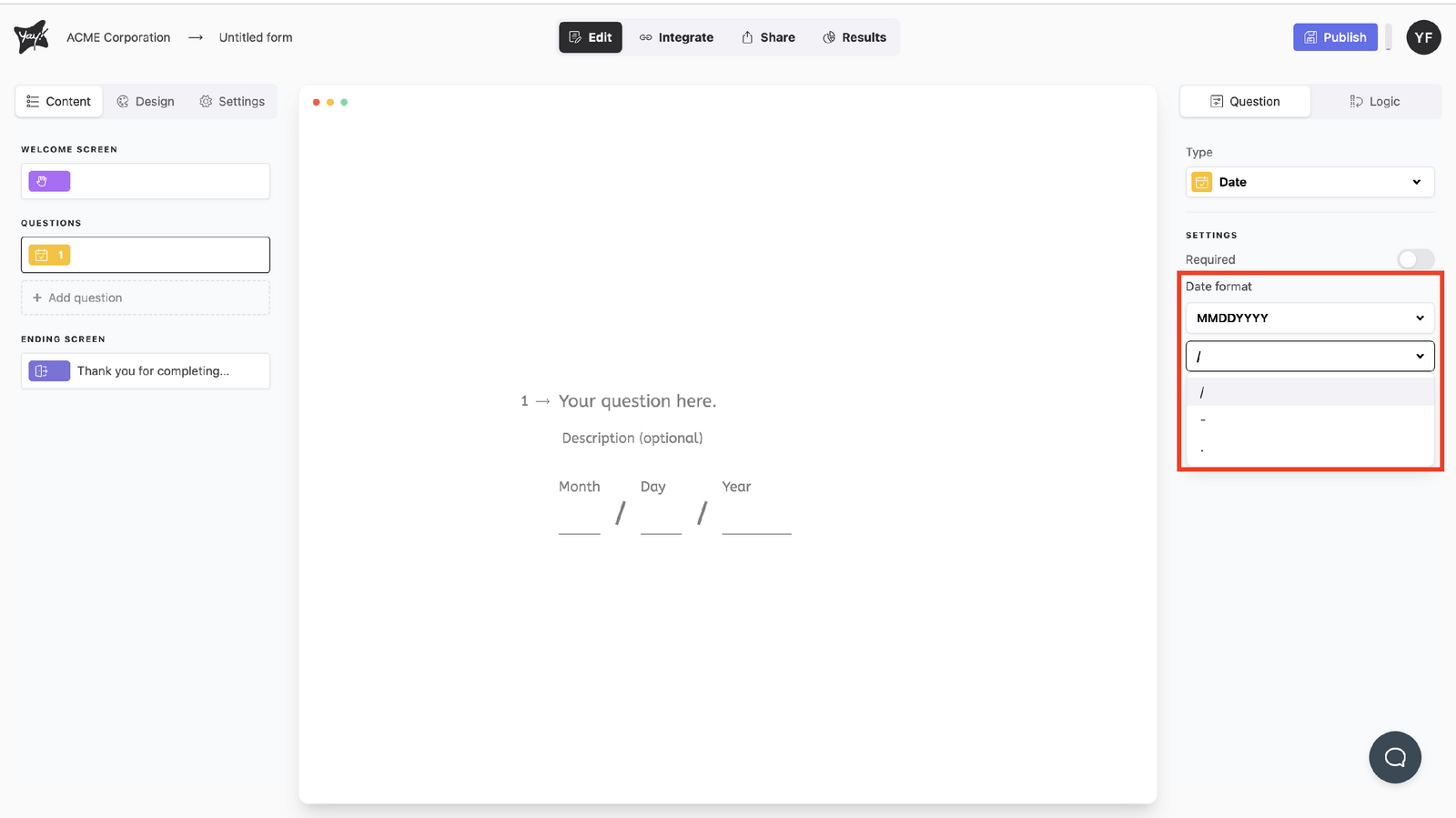
To change the date format, adjust the dropdown menus under Date format.
Conclusion
You learned what a date question type is used for, how to select it, edit the question and optional description, adjust its settings, and change the date format using the available dropdown menus.