This article helps you set up an email question type in a form, including selecting the correct question type, editing the question text, adding an optional description, and adjusting settings.
Email question type
In this question type, users can enter an email address.
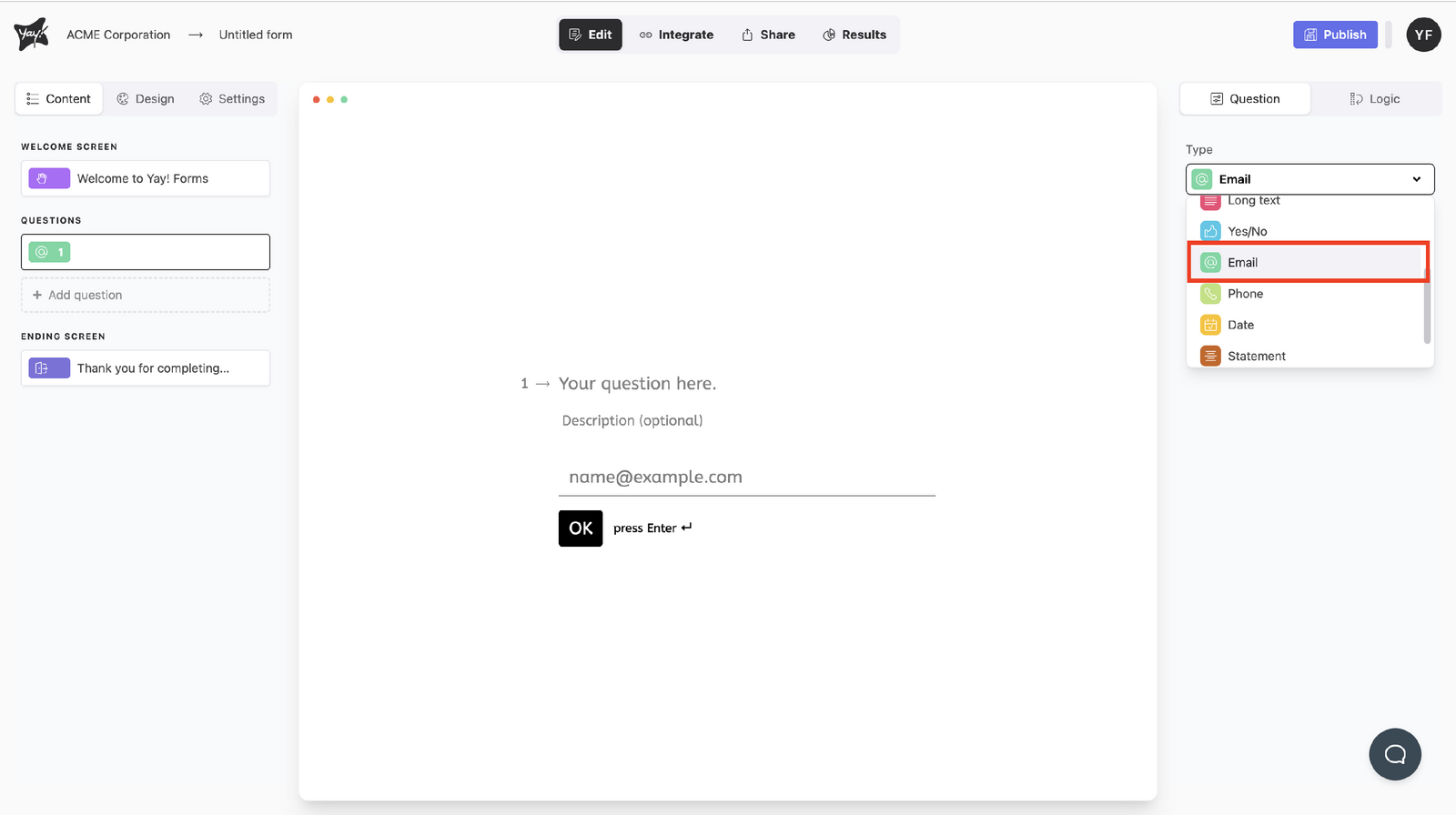
Choose this question type by selecting Email from the dropdown menu under Type.
Editing the question text
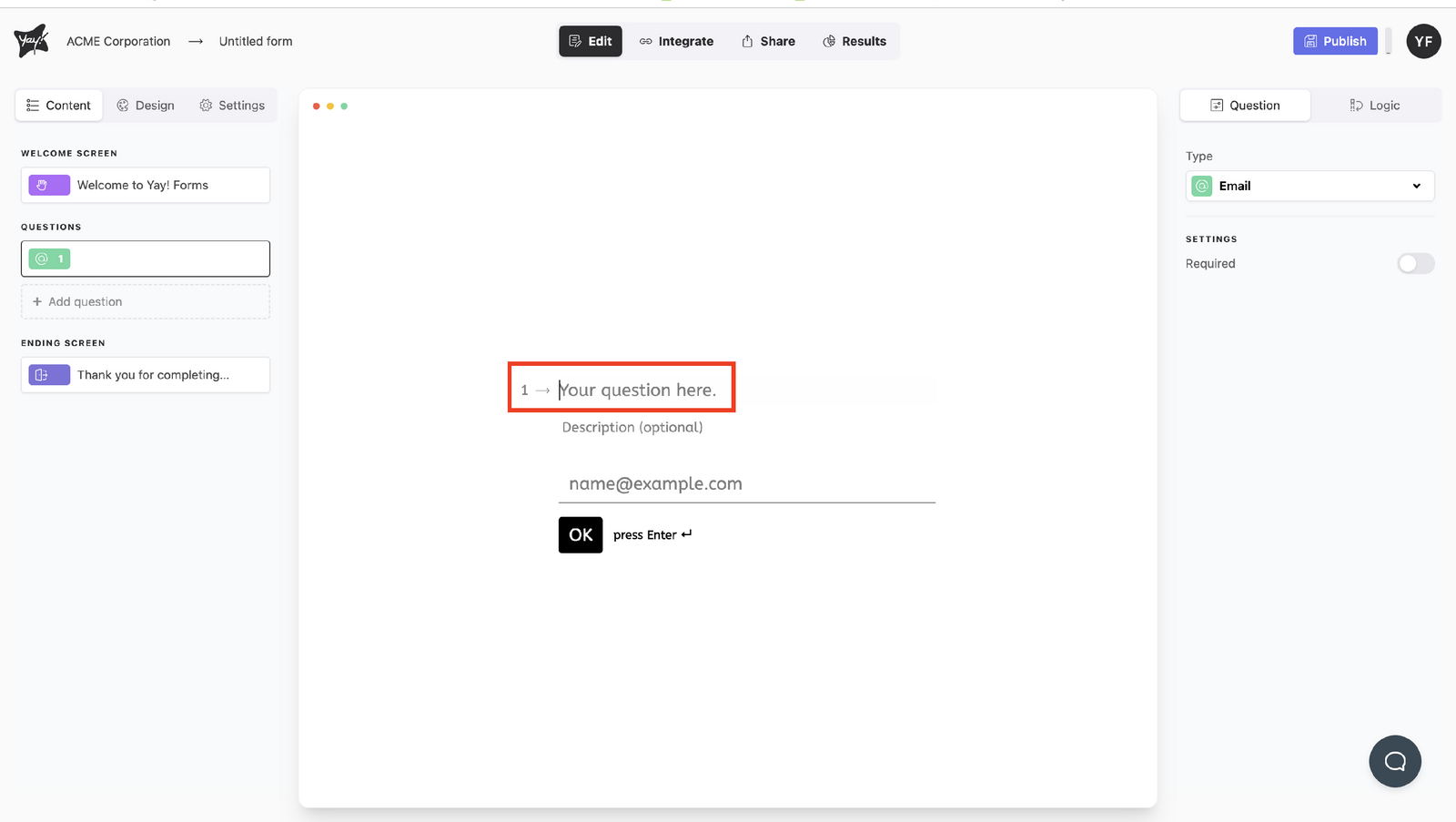
Edit the question by typing into the "Your question here." input.
Adding an optional description
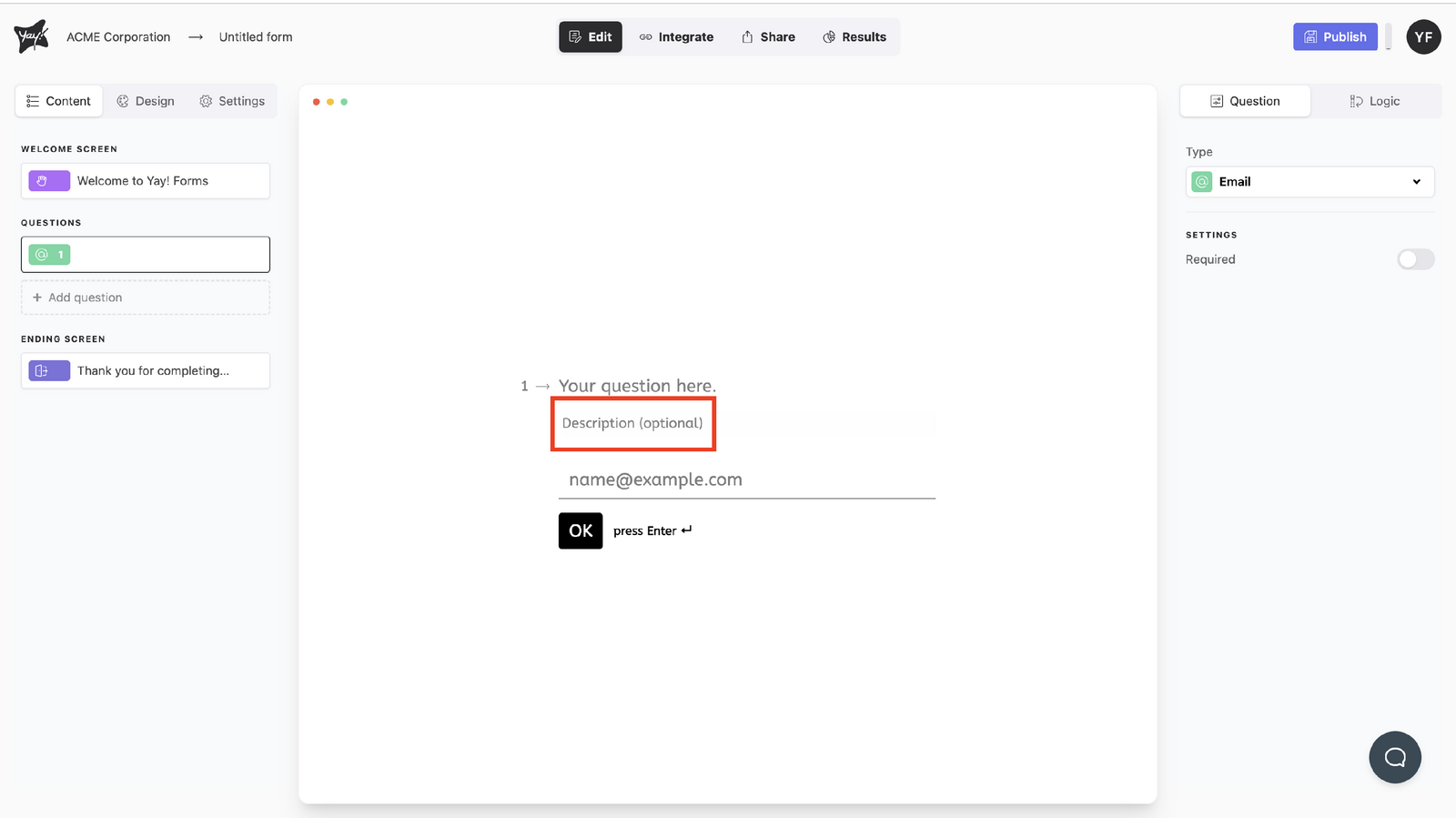
If you want, add a description by typing into the description input.
Adjusting settings
You can also enable Prevent duplicate entries to block repeated email submissions from the same address.
Conclusion
You learned how to choose the Email question type, edit the question label, optionally add a description, and customize the question settings.