This article will help you create and configure a Statement question in your form, so you can display a message or information to your users and customize the text elements shown on that screen.
Statement question type
In Statement-type questions, you can make a statement in your form by providing information to your users.
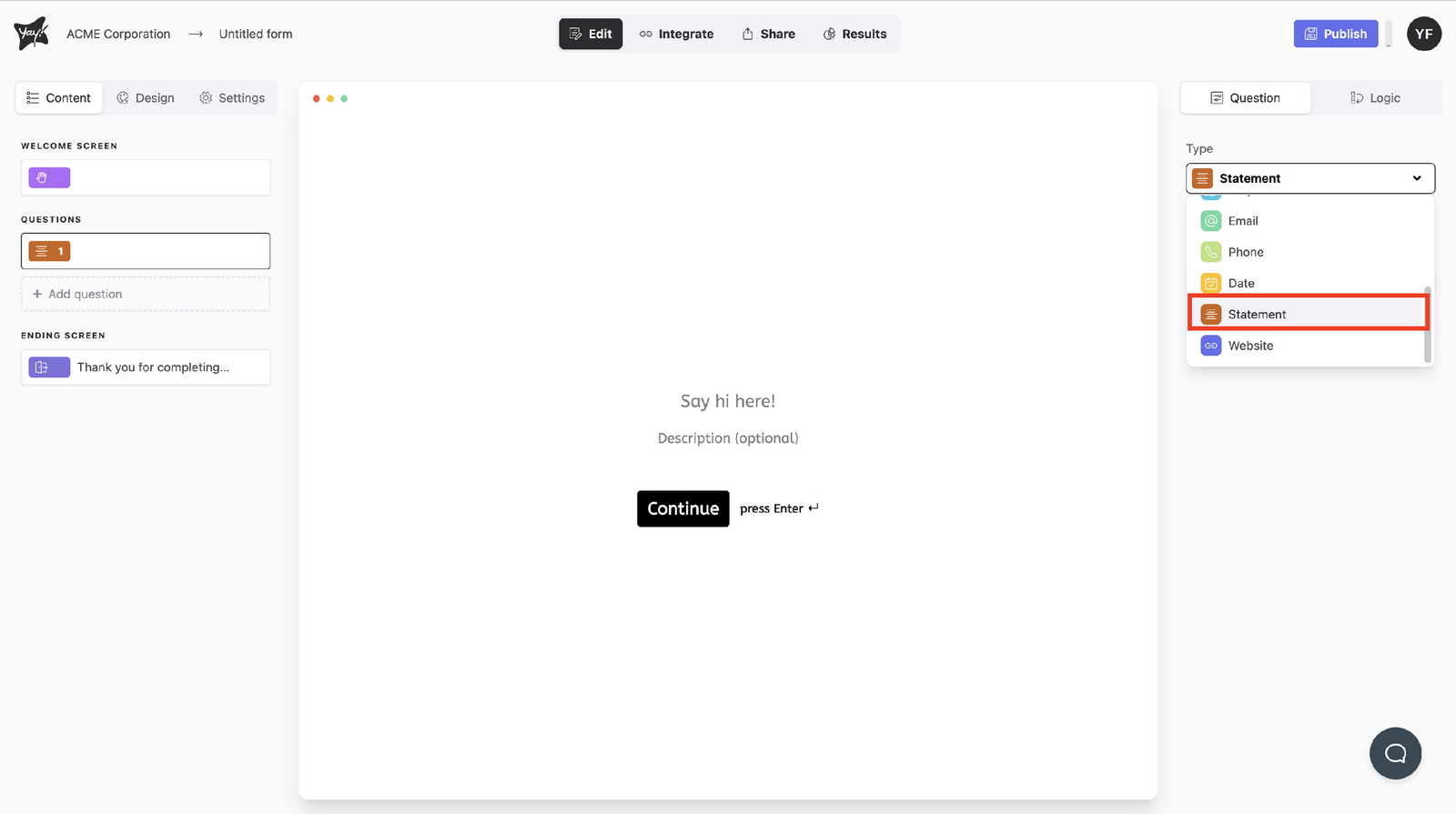
Choose this type by selecting Statement from the dropdown menu under Type.
Editing the statement title
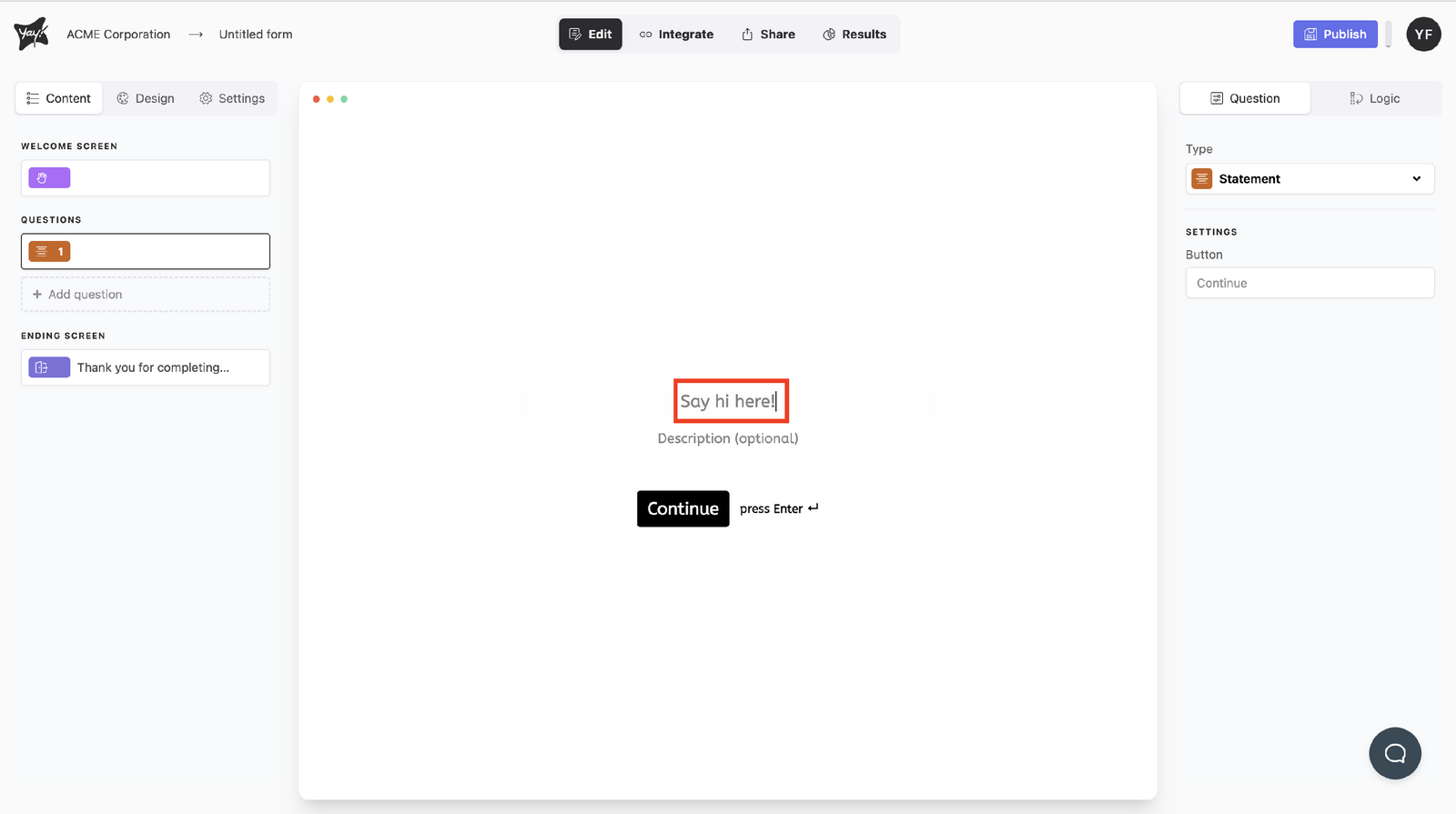
Edit the title of your text by typing in the input, "Say hi here!".
Adding an optional description
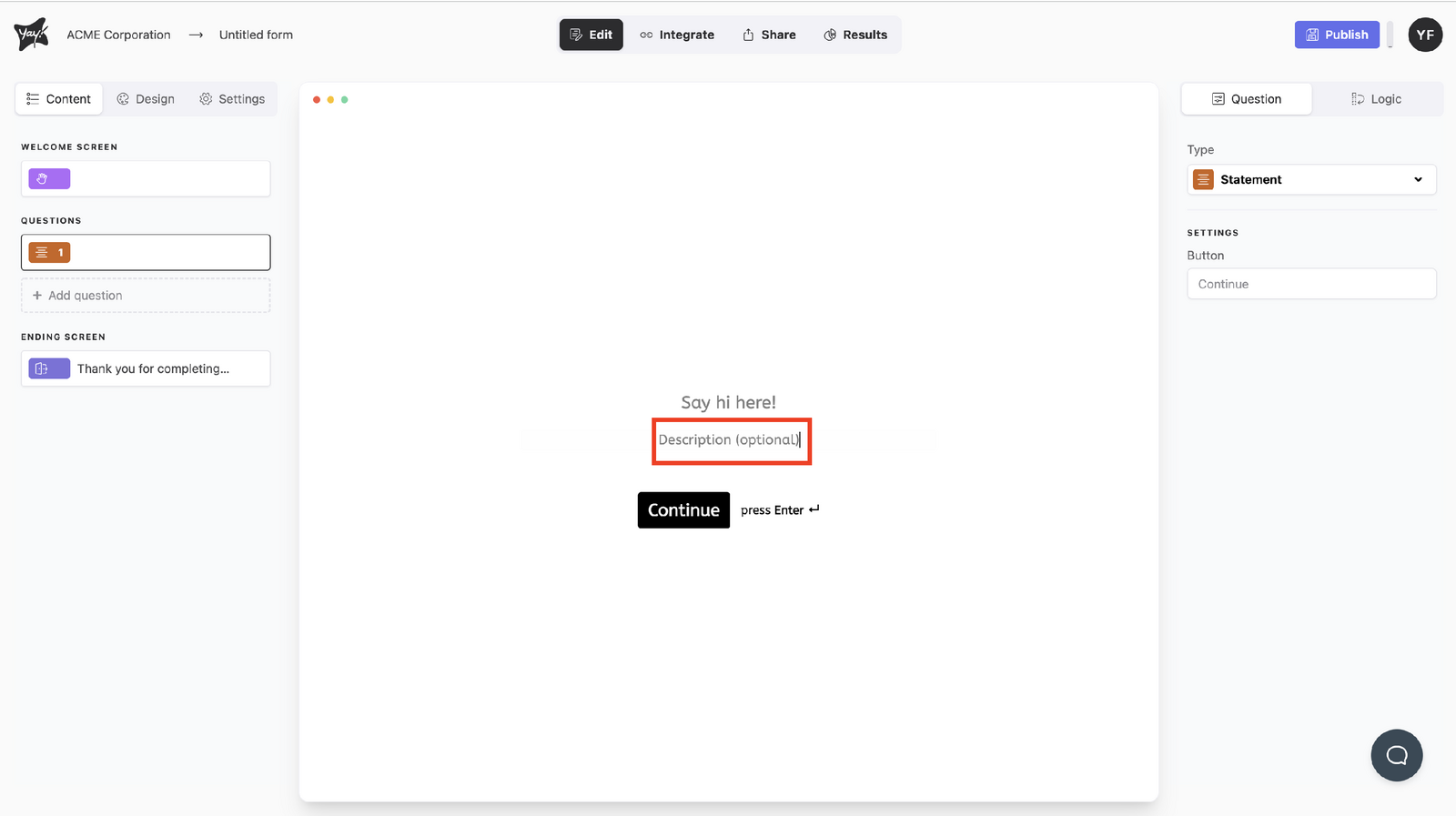
If you want, add a description by typing in the description input.
Customizing the button text
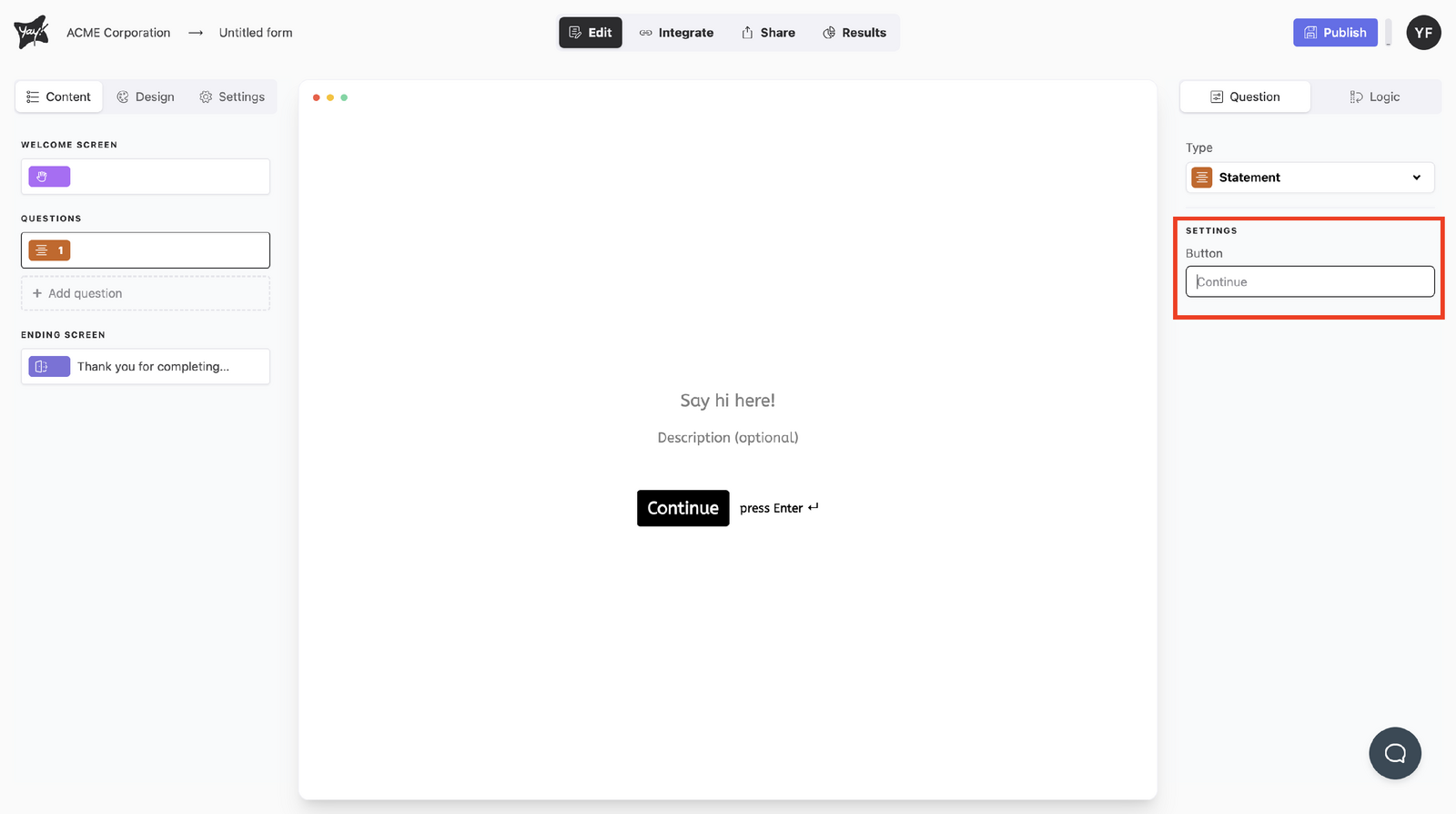
Edit the button text by typing in the input below Button in Settings (this feature is available on paid plans).
Conclusion
You learned how to add a Statement question to a form and adjust its displayed text, including the title, an optional description, and the button label.