This article helps you create and configure a Yes/No question type so users can answer your question by selecting either Yes or No.
Yes/No question type overview
In this type of question, users can select Yes or No for your question.
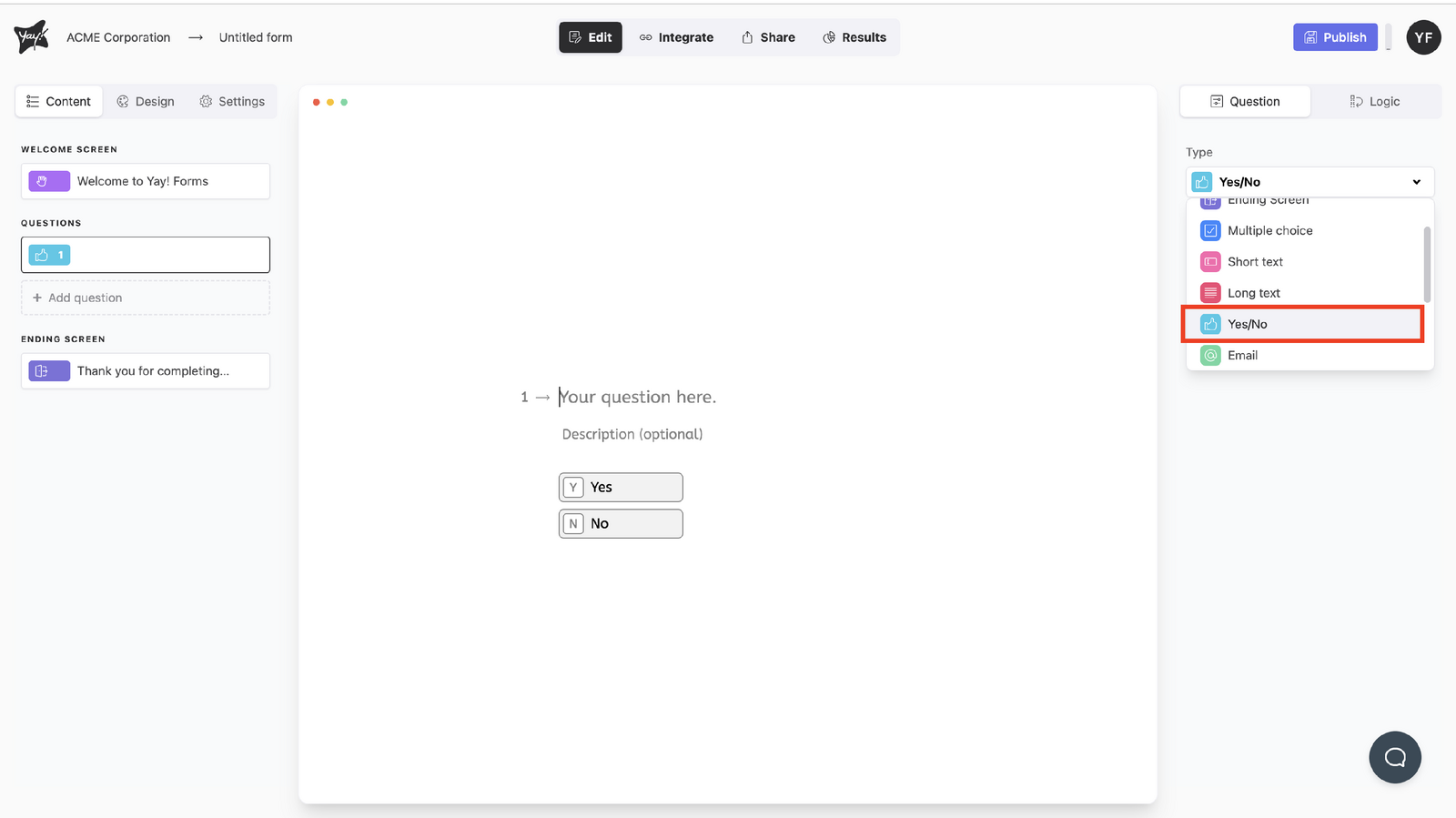
Selecting the question type
Choose this question type by selecting Yes/No from the dropdown menu below Type.
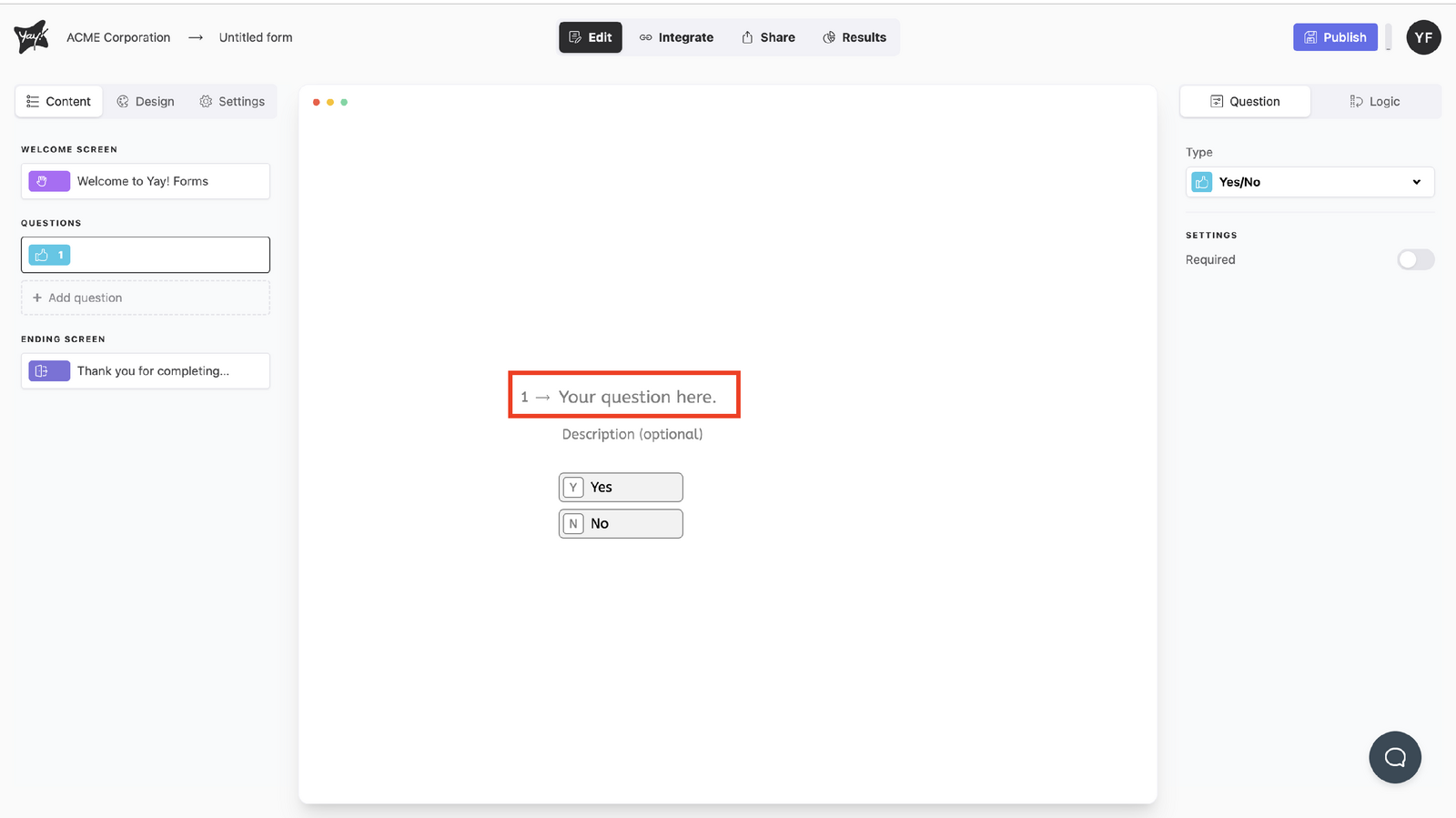
Editing the question text
Edit the question by typing in the "Your question here." input.
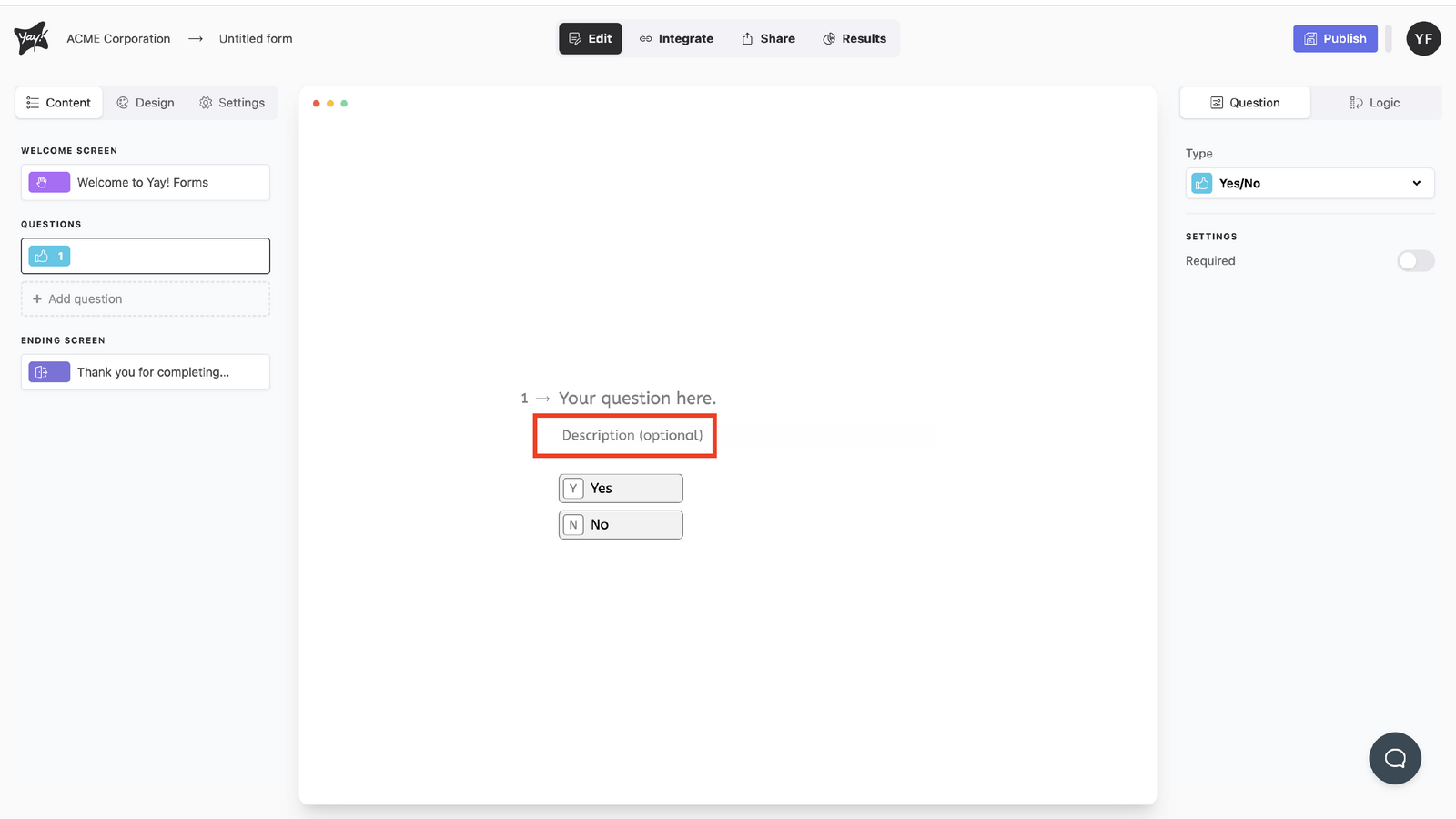
Adding an optional description
If you want, add a description by typing in the description input.
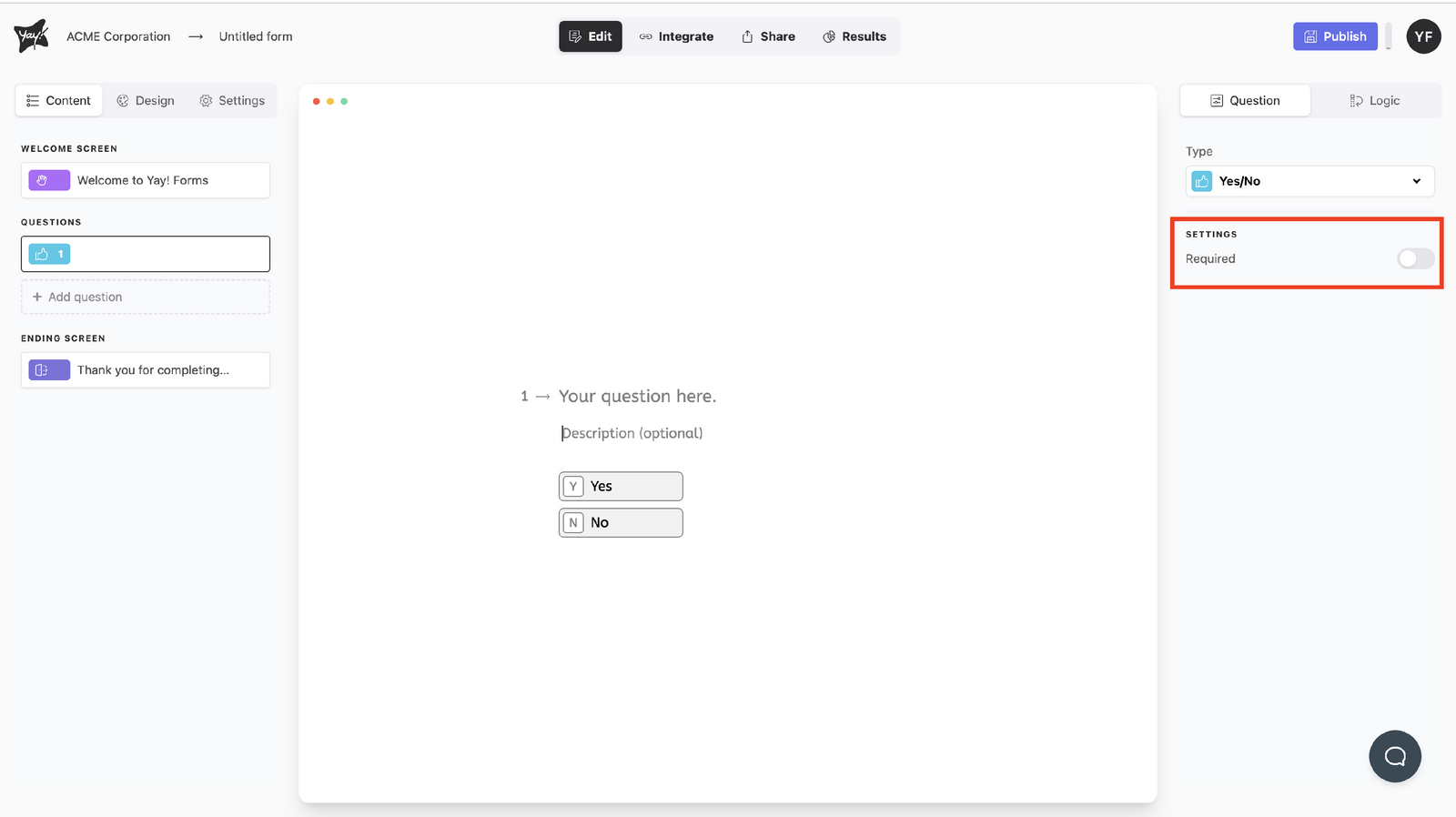
Adjusting settings
Edit the settings to your liking.
Conclusion
You learned how to set a question to the Yes/No type, customize the question text, optionally add a description, and adjust the available settings for the question.