This article will help you connect Notion to Yay! Forms through Zapier after you’ve already integrated Yay! Forms with Zapier, so you can complete the setup and start using the Notion integration.
Prerequisite: Integrate Yay! Forms with Zapier
Before following our tutorial, you can follow this link on how to integrate Yay! Forms with Zapier.
Connect Notion in Zapier
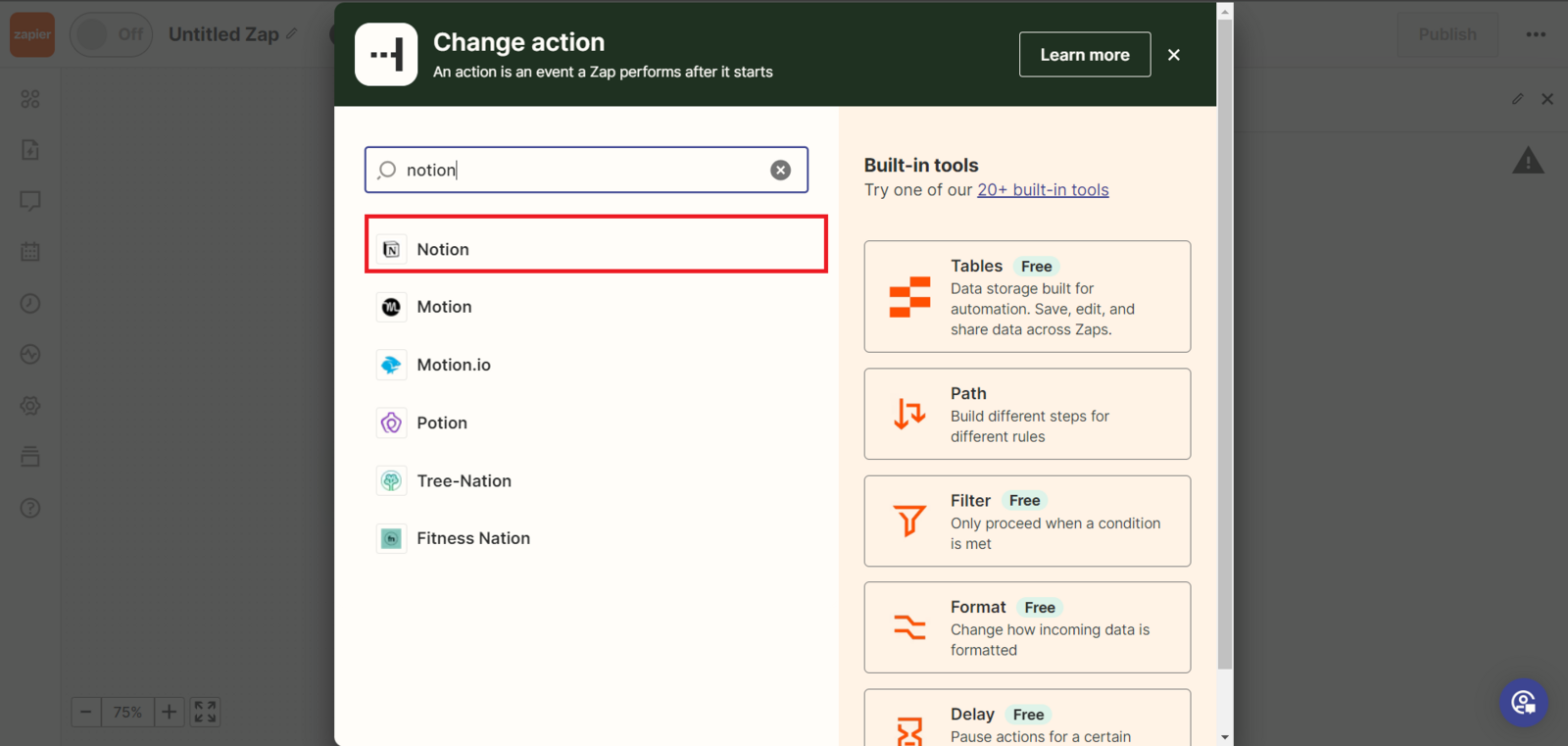
Right after integrating Yay! Forms with Zapier, you now need to integrate Notion. First, you need to search for Notion and select it.
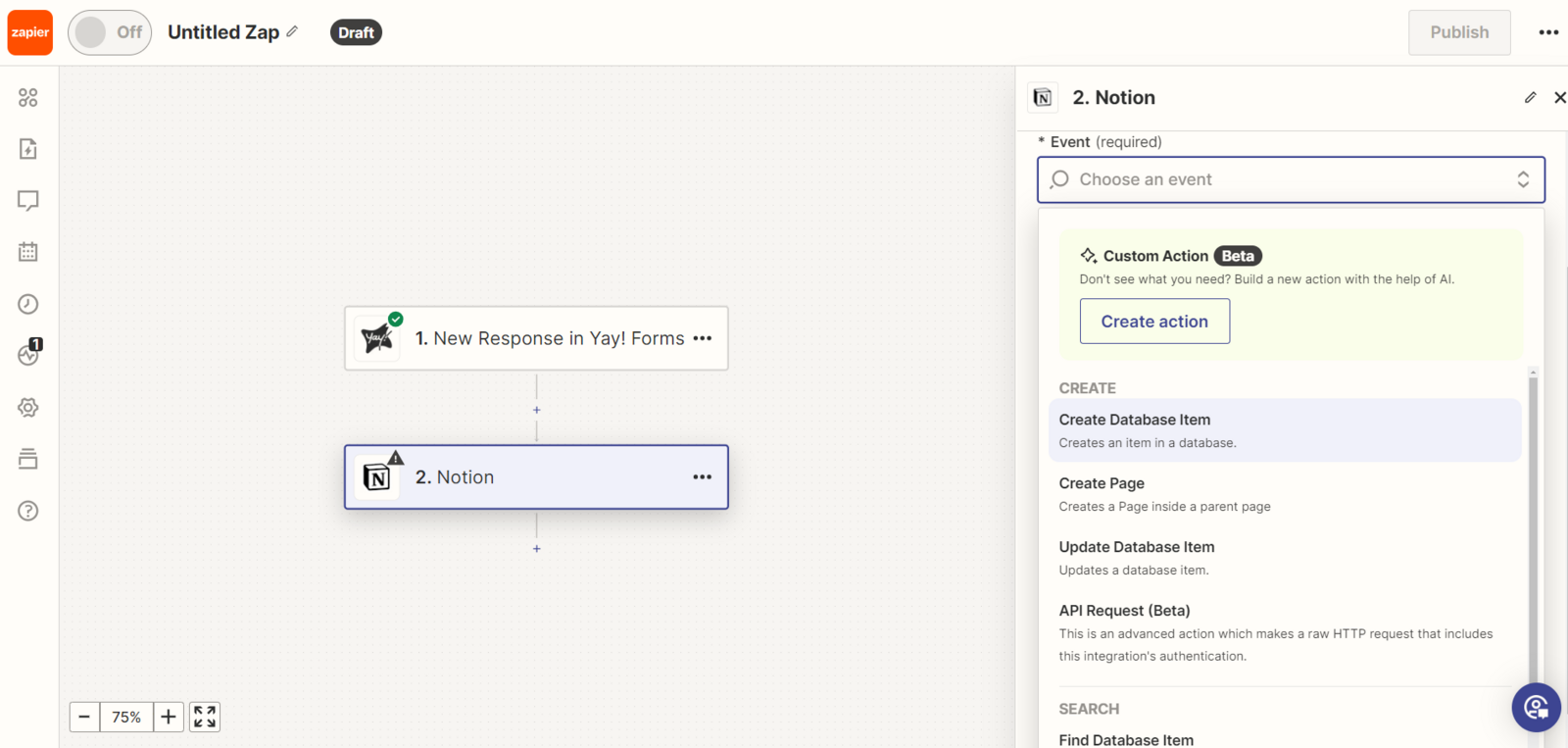
After selecting Notion, you will need to connect your account and then select the required event.
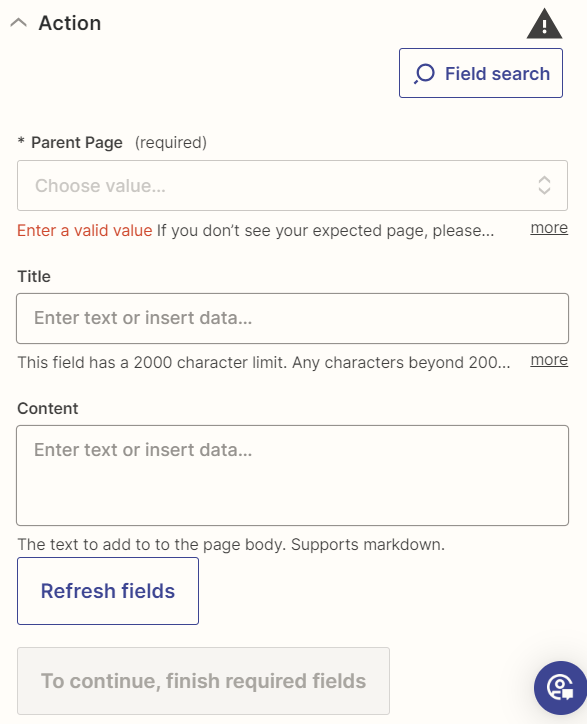
Now just complete the setup according to your preferences and your Notion integration will be complete.
Support and feedback
We hope you enjoy the new integration :)
If you have any questions or suggestions, send an email to [email protected].
Conclusion
You learned how to finish connecting Notion to Yay! Forms via Zapier by selecting Notion, connecting your account, choosing the appropriate event, and completing the configuration to finalize the integration.