This article will help you connect your Yay! Forms form to RD Station Marketing and configure how responses are sent, including field mapping, conversions, tags, conditional sending, and sending previous responses.
Connect your Yay! Forms form to RD Station Marketing
1. Access the form
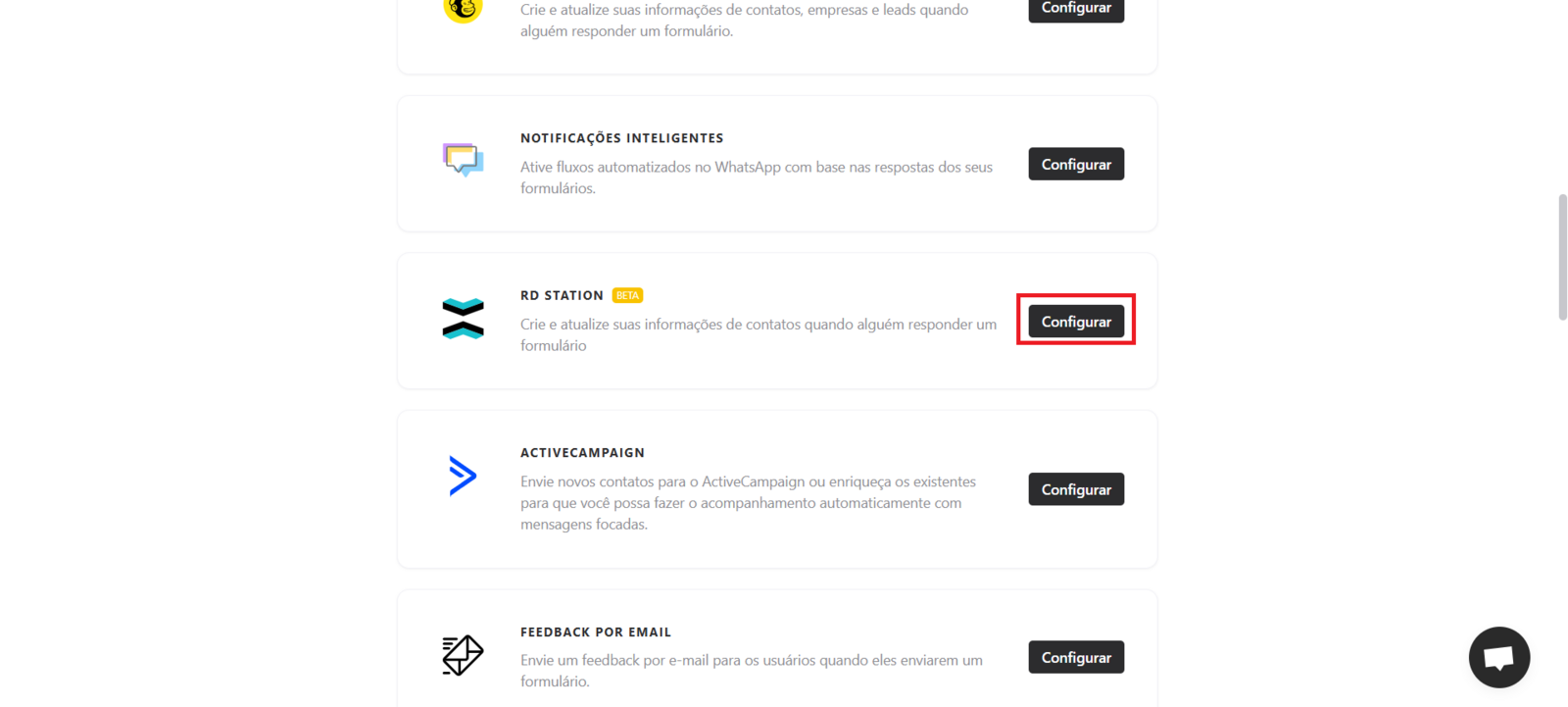
Open the desired form and go to the Integrate tab. There, you will find the RD Station Marketing integration. Click Configure to start setting up your RD Station Marketing account.
2. Connect your RD Station account
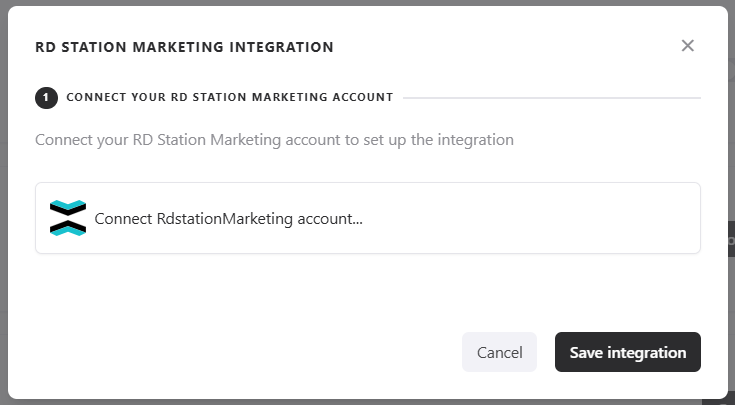
When you access the integration screen, you will need to connect your RD Station account.
3. Map the fields
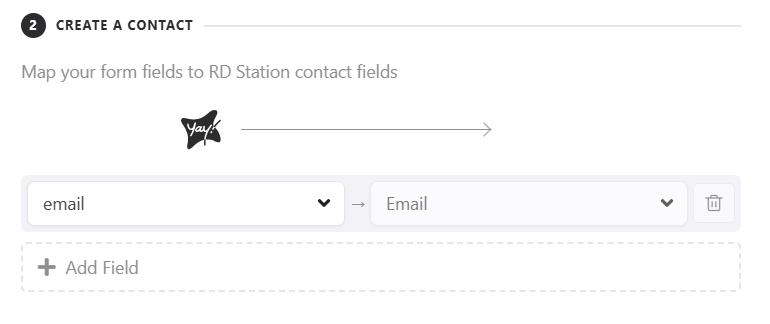
Now you can map the fields from your form to the fields on your contact in RD Station Marketing, so the contact will be created with the responses from the mapped fields.
4. Send conversions
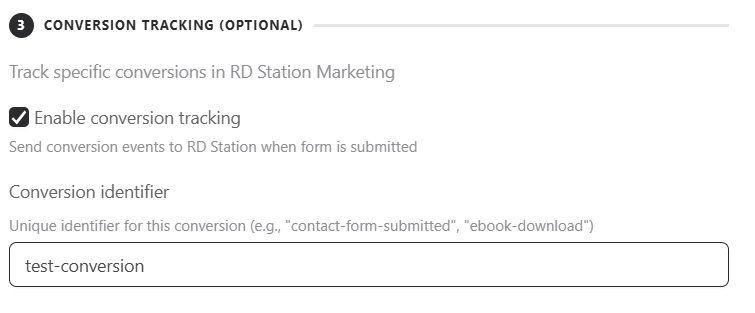
You can send conversions to RD Station Marketing linked to the created contact. Just enable this option and enter, in the corresponding field, the name of the conversion you want to send.
5. Add tags to responses
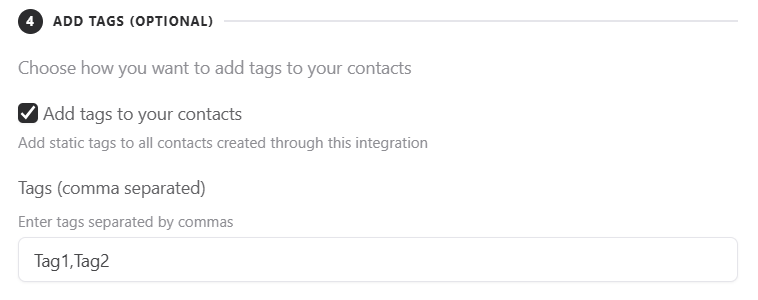
If you want, you can add tags to the responses sent. To do this, just click Add tags to your response and select a tag.
6. Conditional sending based on responses
This feature lets you define conditions for sending data to RD Station Marketing. This way, depending on the user's response, the information will be sent to the platform only if the established condition is met.
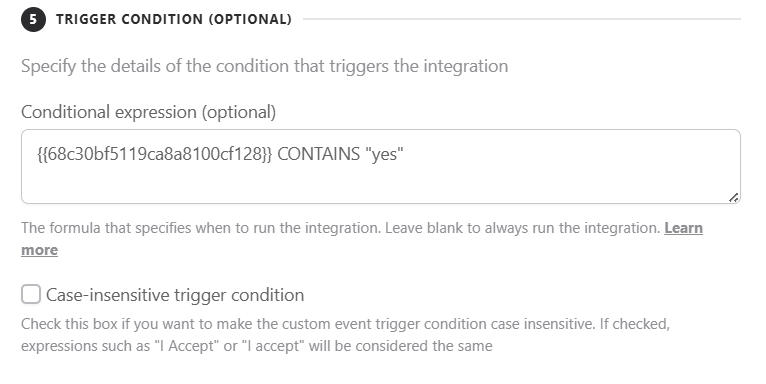
If you are interested in better understanding how our conditional system works, you can access our help article: Como Criar Expressões para Execução Condicional de Integrações.
7. Send previous responses
You can enable the Run on Previous Responses option. When you activate it, all responses already recorded up to that point will be sent to RD Station Marketing, not just new ones.

Conclusion
You now have a structured view of how to set up the RD Station Marketing integration in Yay! Forms and configure how contacts, mapped fields, conversions, tags, conditional sending, and past responses are handled, along with where to find additional help and support contact details.