This article teaches how to reference multiple elements inside Yay! Forms—such as variables, answers from previous fields, UTM parameters, and hidden fields—and how to use these mentions in different parts of your form, including the final screen and redirects.
Overview of mentions in Yay! Forms
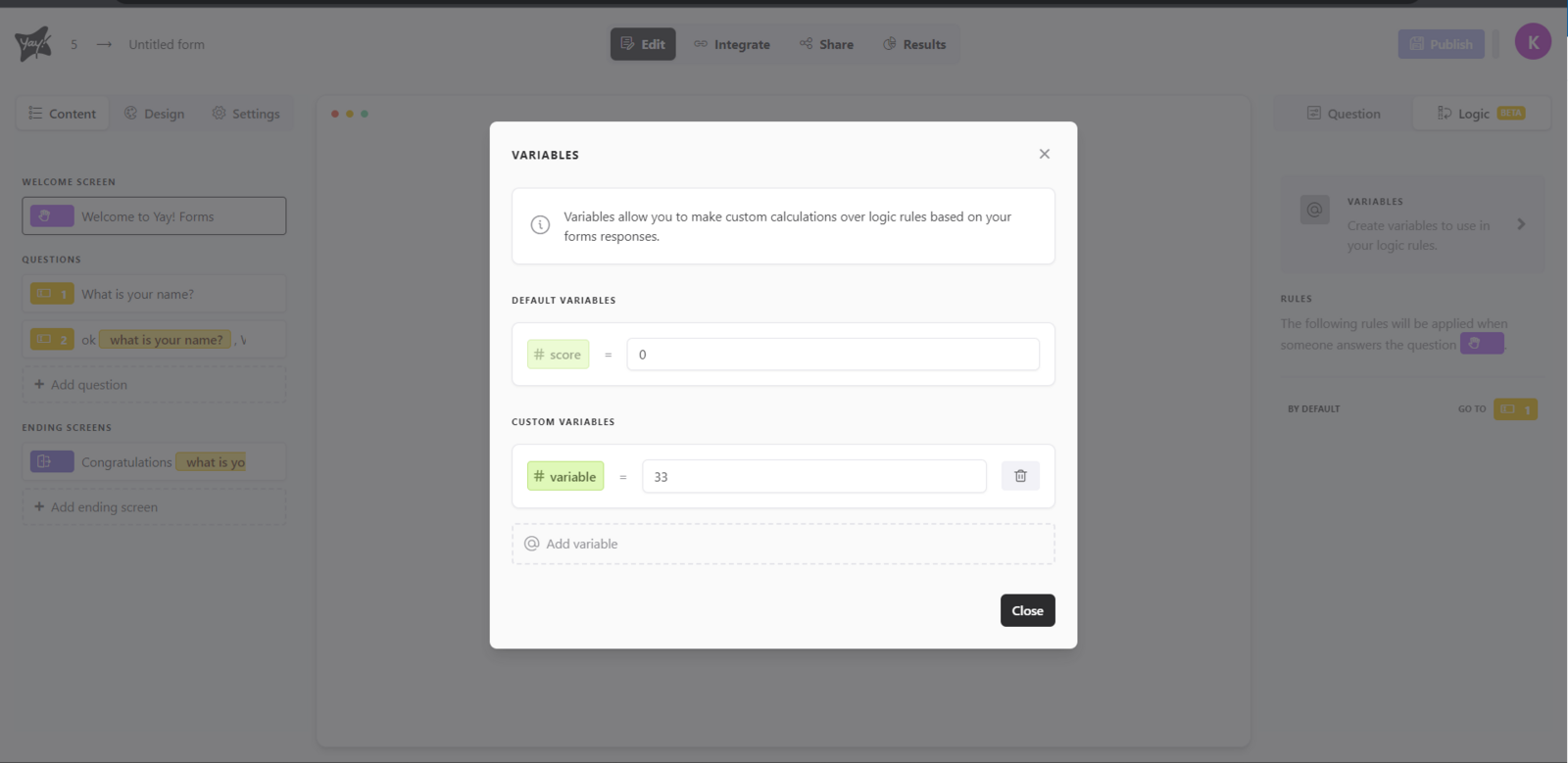
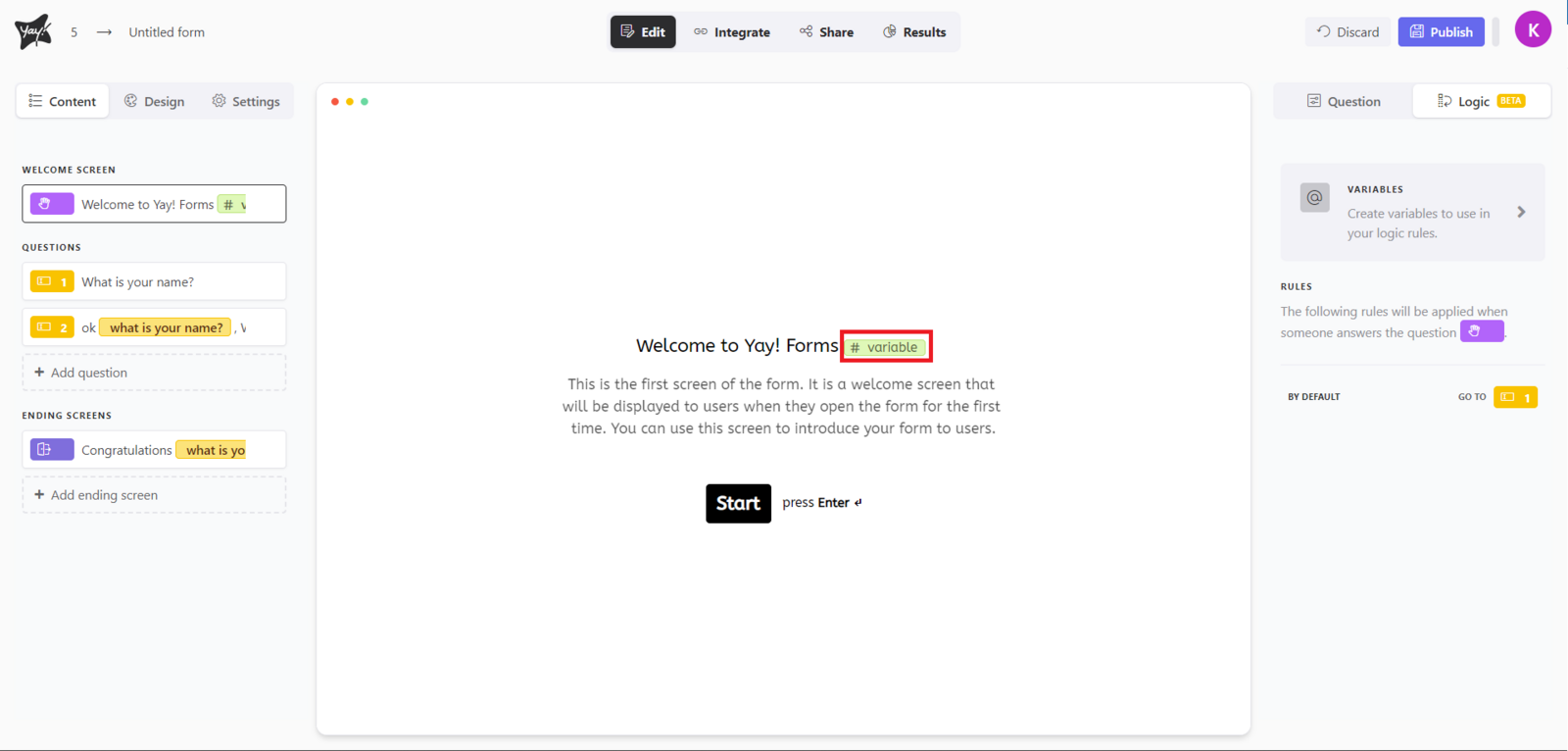
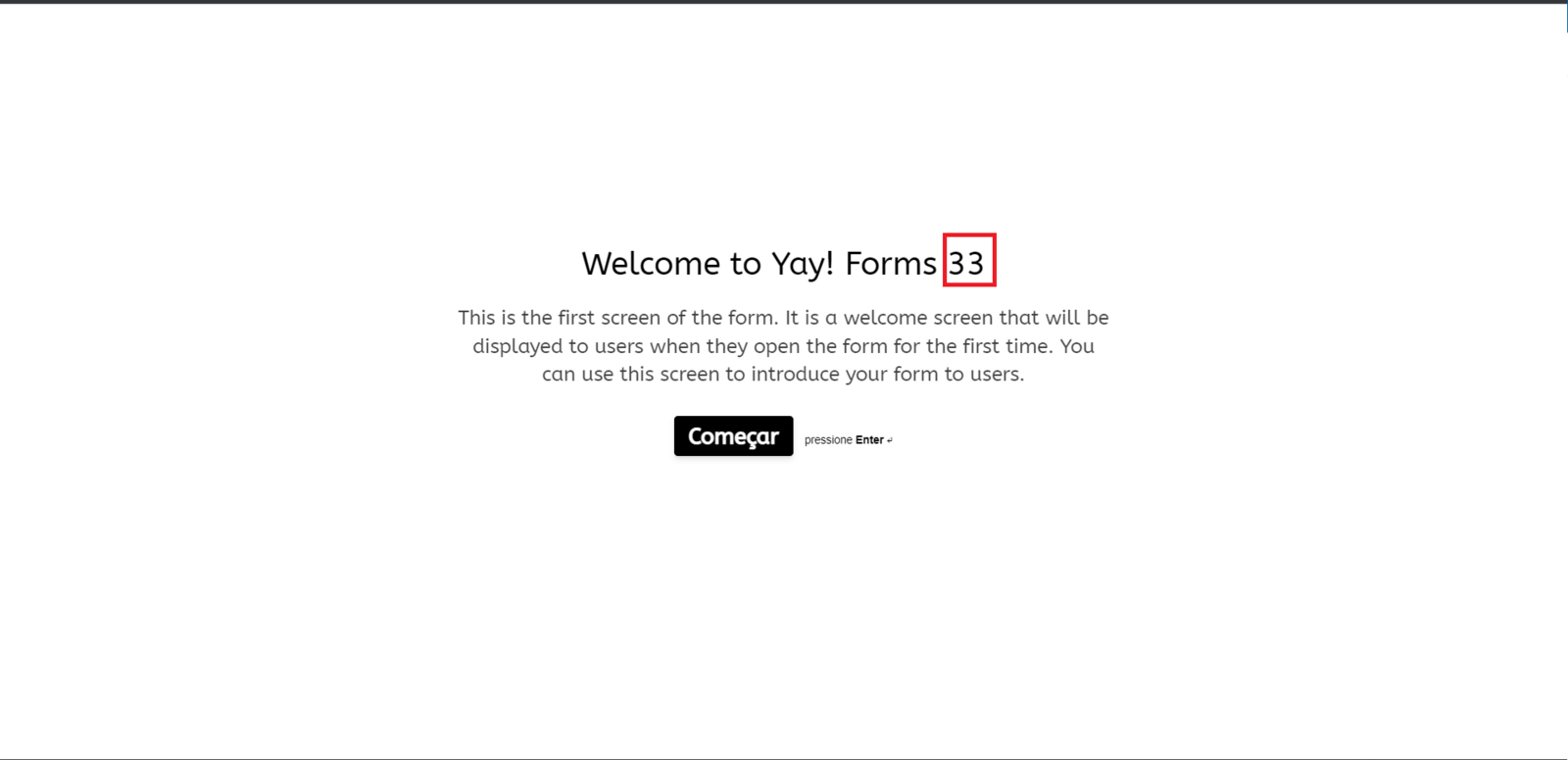
In Yay! Forms, you can reference various elements in your form, such as variables, answers from previous fields, UTM parameters, and hidden fields.
Mentioning fields and values with @
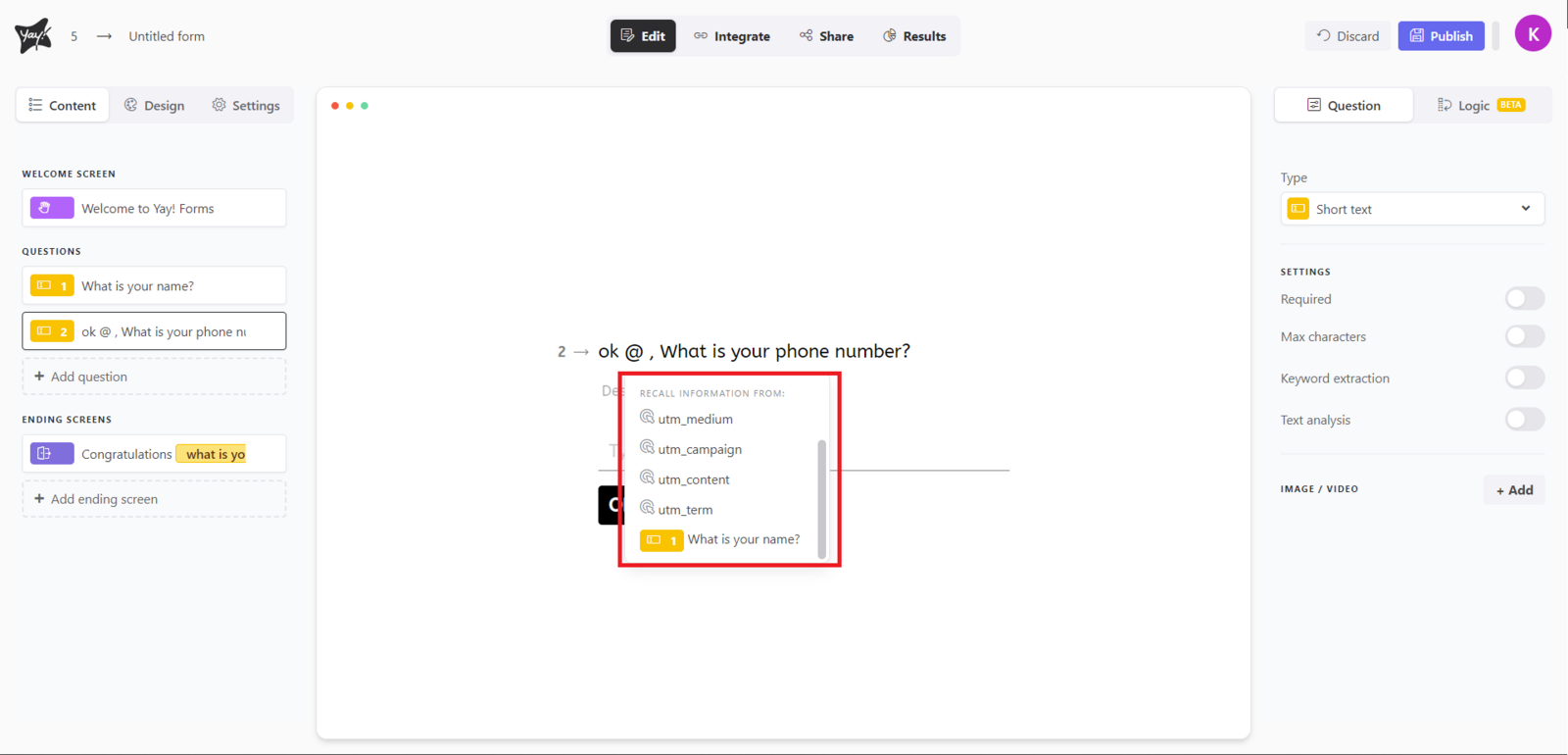
To create a mention, just type @, which will display a list where you can select the mention you want. In the example below, I show how you can get the answer from a previous field:
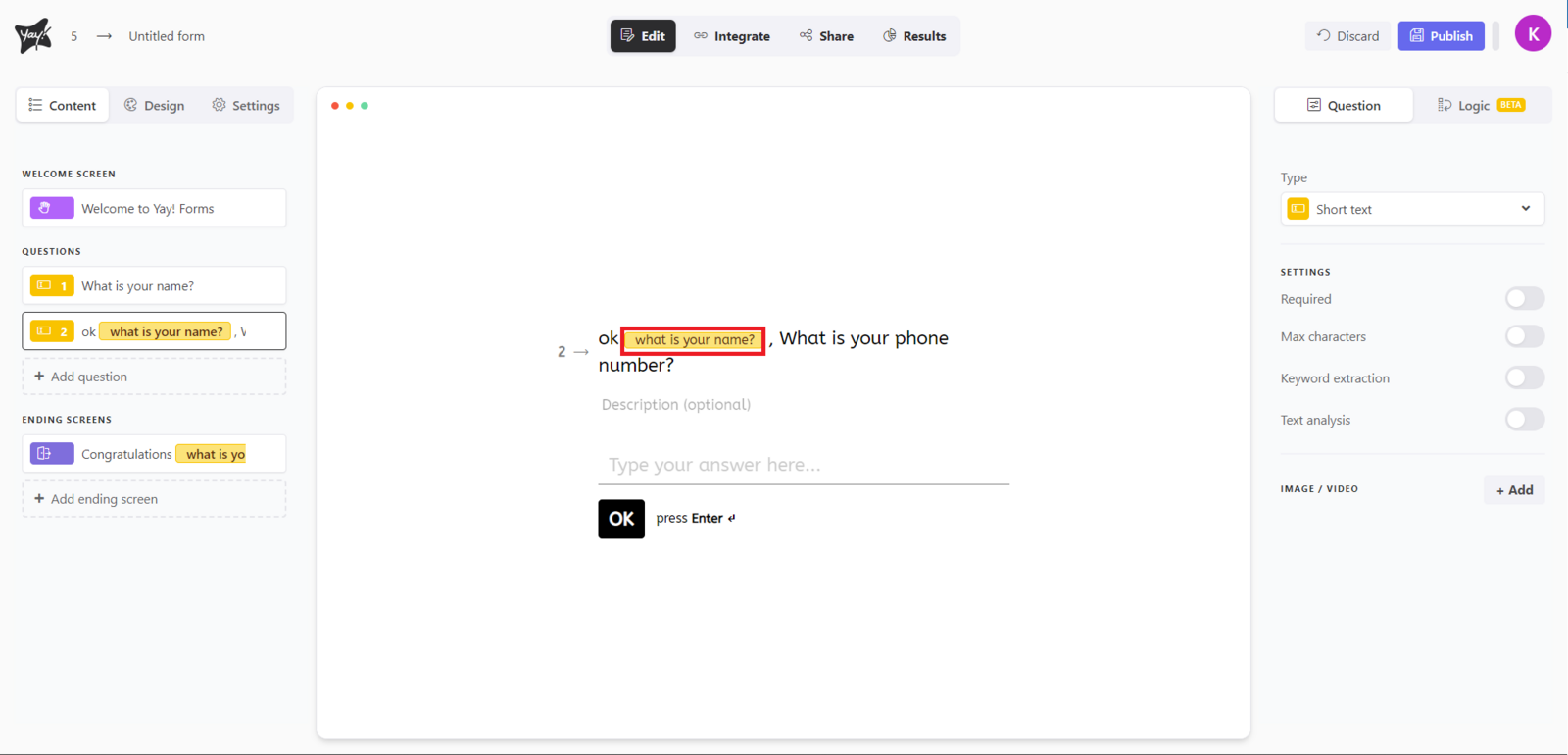
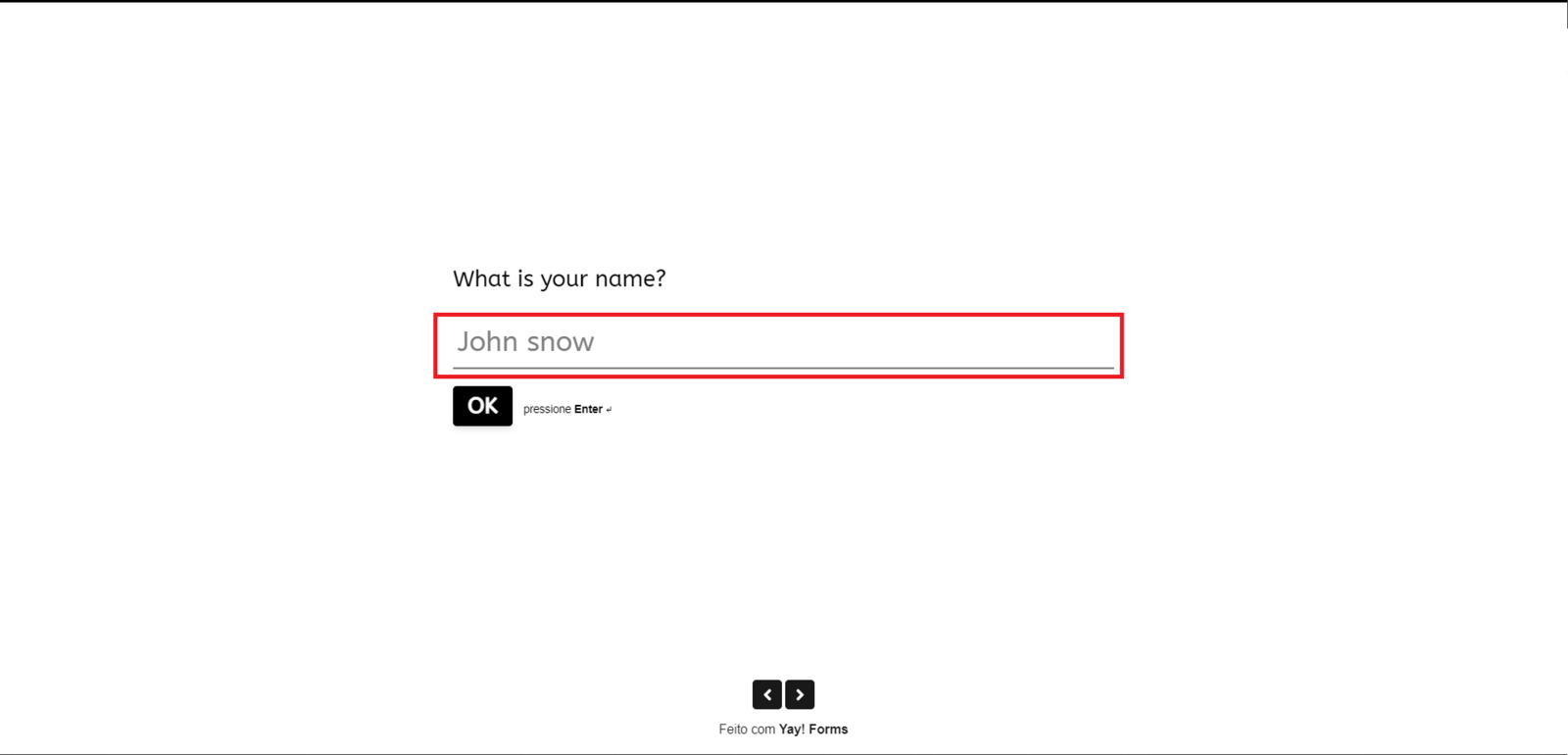
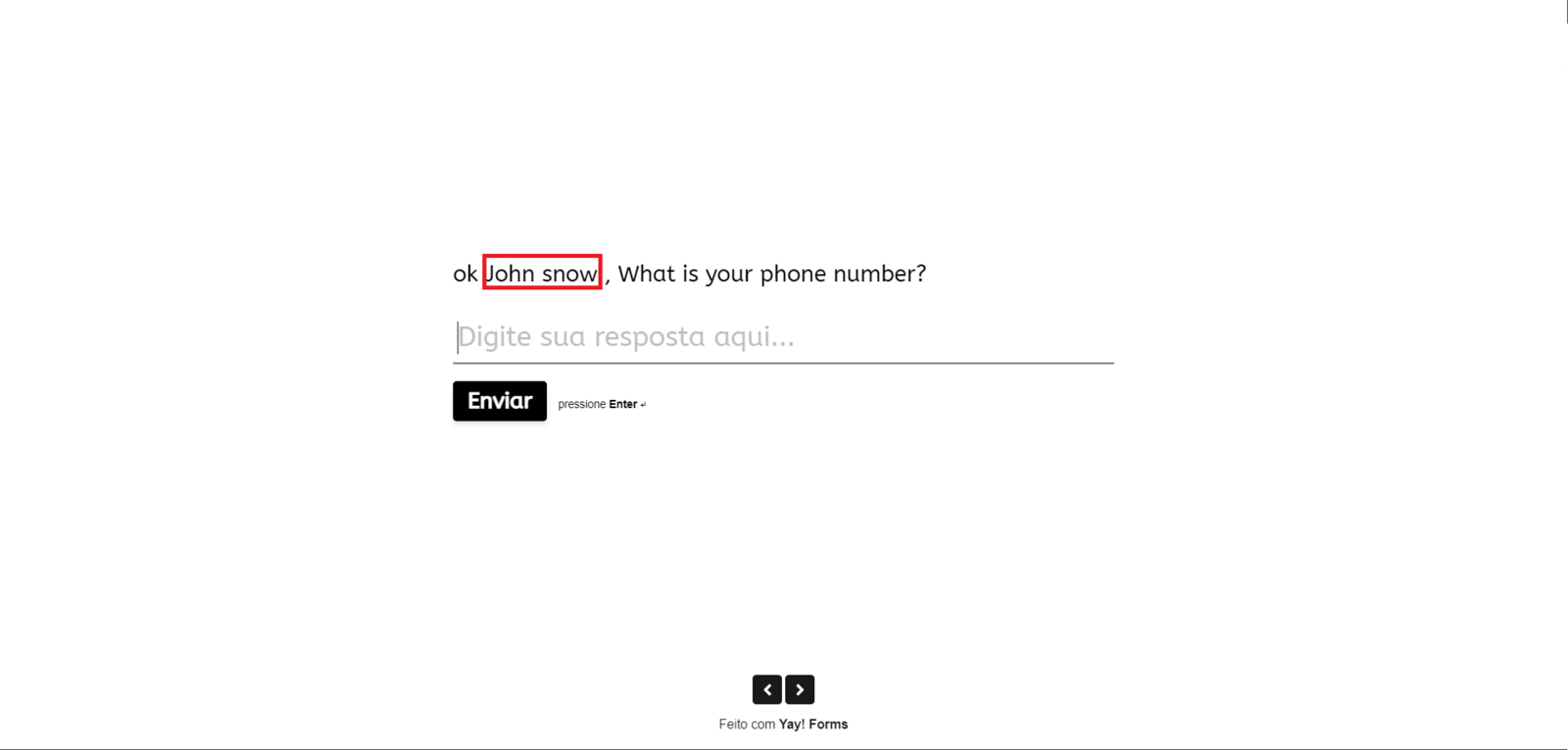
Using hidden fields and UTM parameters
To select hidden fields or UTM parameters, the process is the same. Automatically, the values corresponding to what was provided in the URL will be inserted, as shown in the examples below:


Using mentions on the final screen for auto-redirect
To use mentions on the final screen when you want to auto-redirect, the values are added as parameters in the desired URL, as shown in the examples below:


Using mentions in final screen button redirects
You can also use the mention in the redirect for the button on your final screen, as shown below:

Conclusion
You learned how to insert mentions in Yay! Forms using @ to reference previous answers, hidden fields, and UTM parameters, and how to apply those values on the final screen and in redirects so the captured data can be reused dynamically.