This article will help you view and understand integration logs within a form, including how to check successful and failed logs, inspect log details to troubleshoot issues, and resend an integration when needed.
Accessing the integration logs
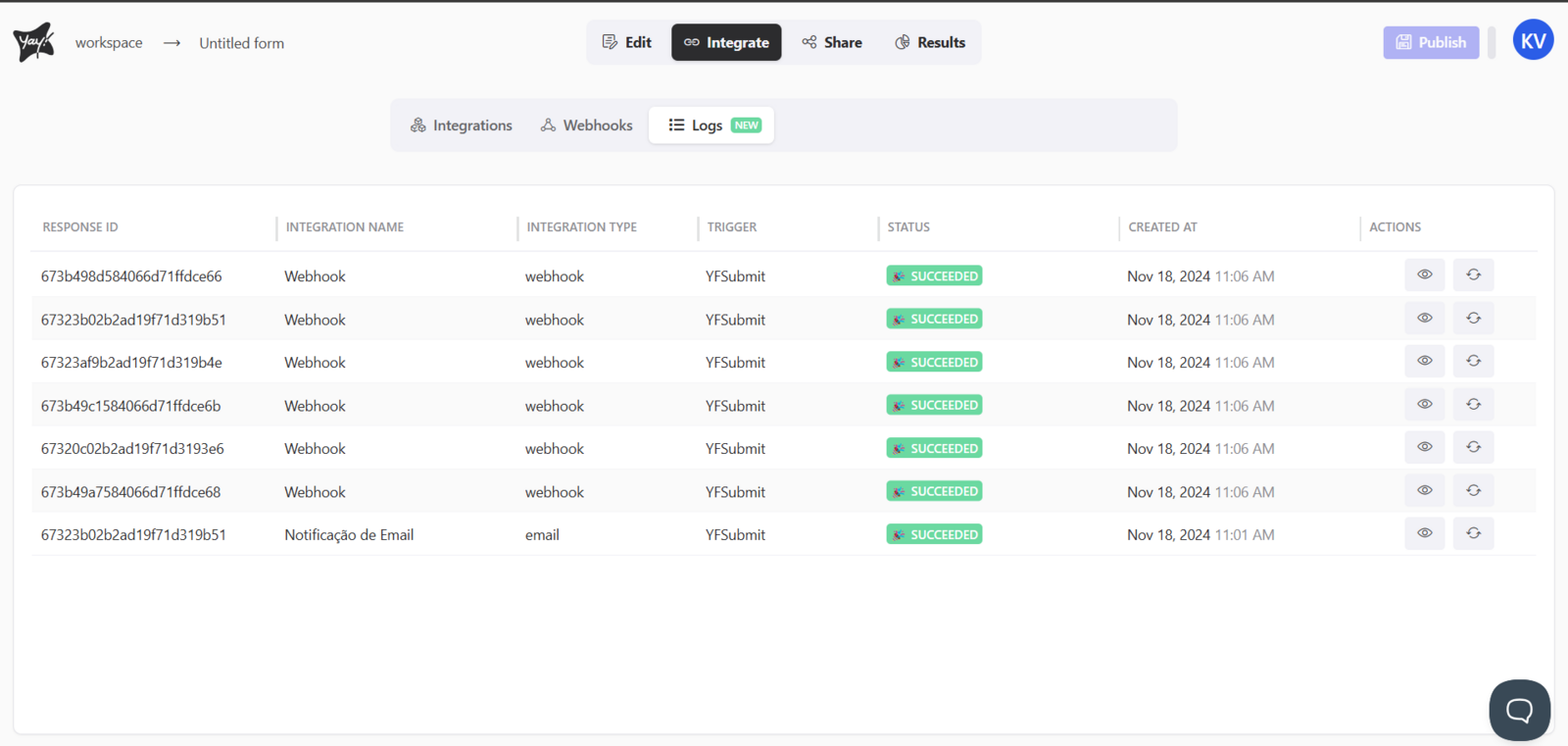
First, to view your integration logs, simply open the desired form and navigate to the Integration tab. Within this tab, you will find a section called Logs.
Viewing successful and failed logs
Within this tab, you can view logs that were successful and those that failed, as shown below:

Using the Actions field
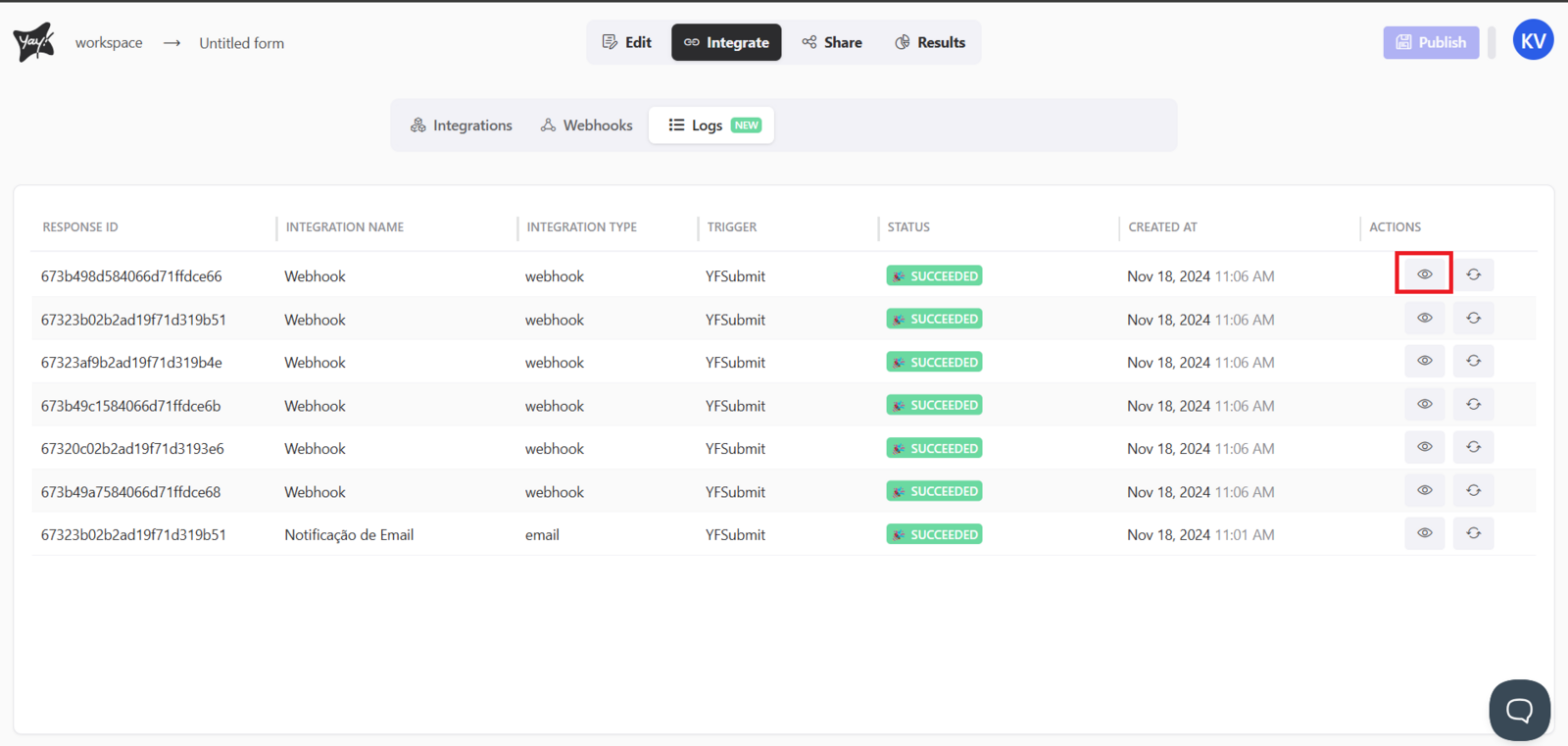
On the right side of the table, you will find a field called Actions.
Viewing log details
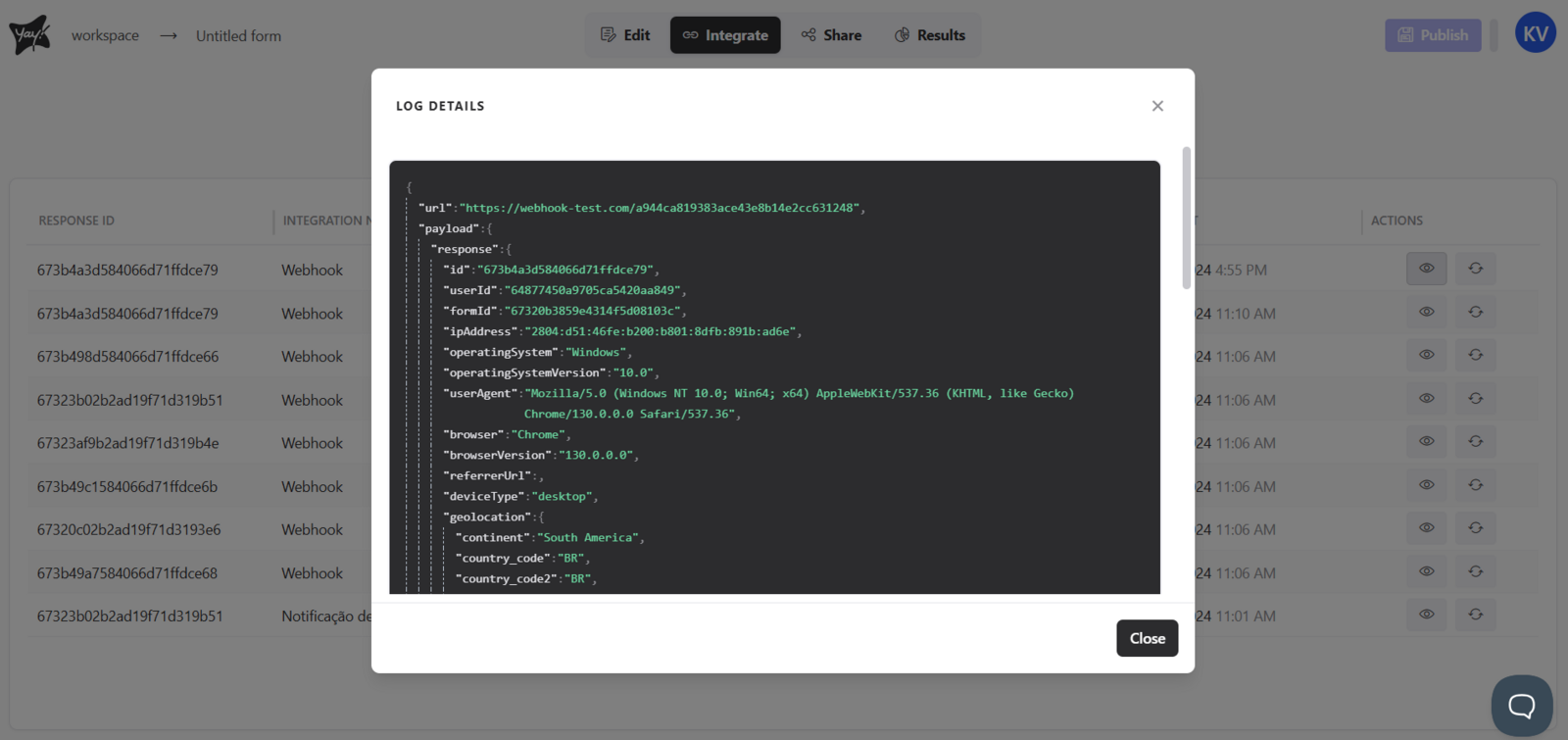
The first option lets you view the details of your log, which is very useful for understanding errors or knowing exactly what is being sent to your integration, as shown below:
Resending an integration
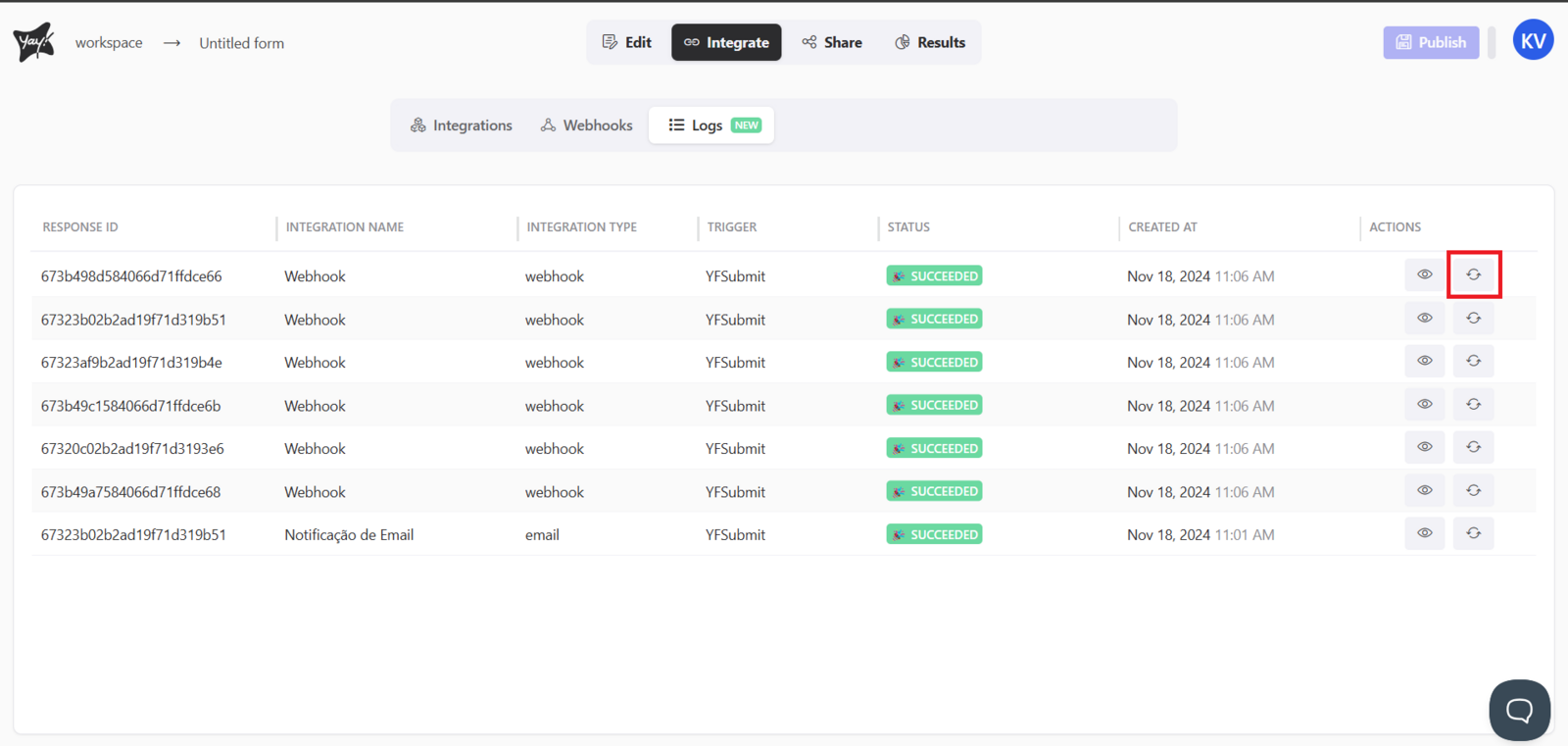
In the second option, you have the option to resend the desired integration:
Conclusion
You learned where to find a form’s integration logs, how to differentiate between successful and failed entries, how to open log details to understand what was sent and troubleshoot errors, and how to resend a selected integration from the Actions area.