This article will help you create a new form in your workspace and name it so you can begin customizing and publishing it.
Create a form
- Sign in to your account.
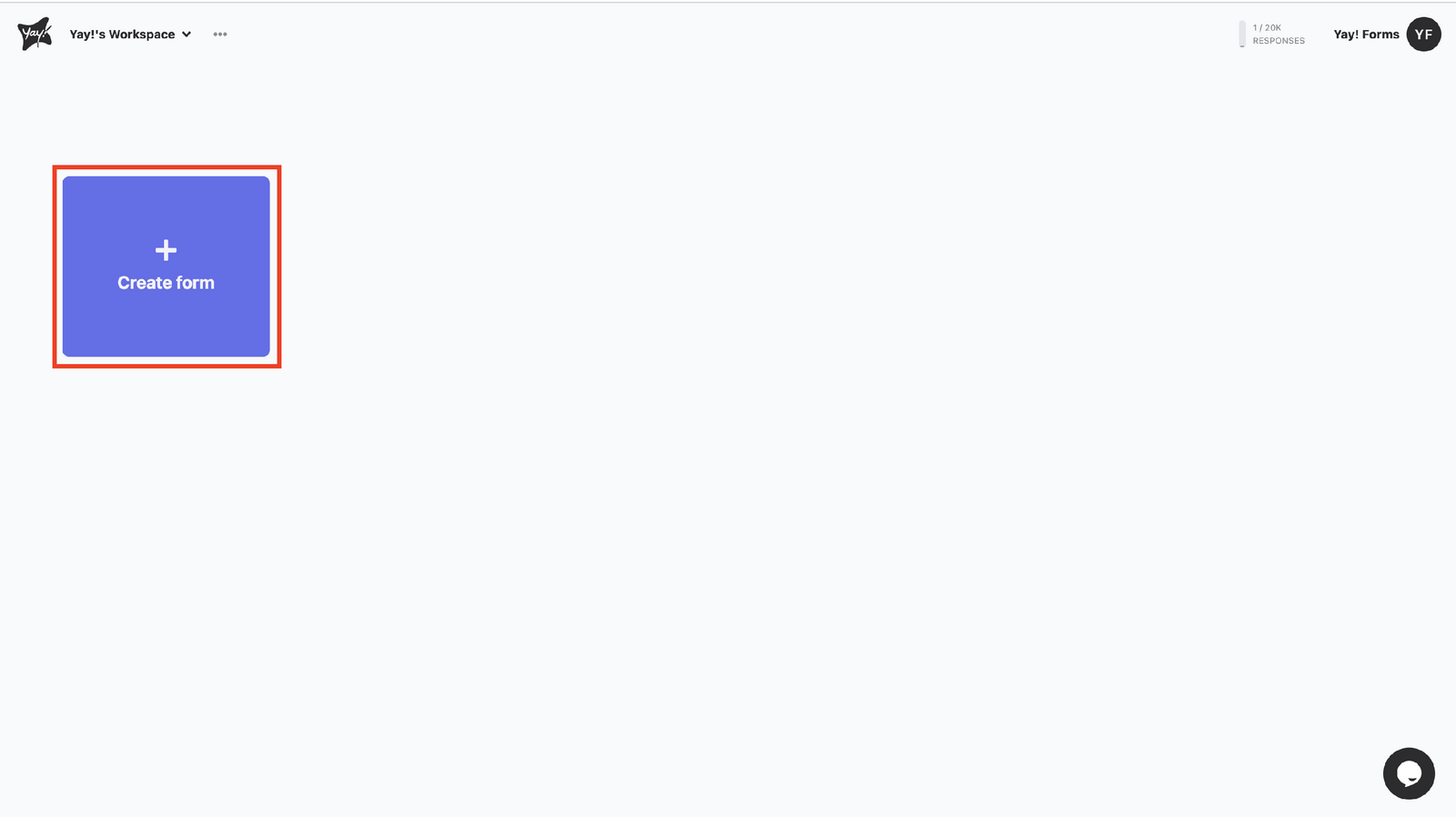
- To create a form, click the Create form button in the top-left corner of your workspace.
- Name your form
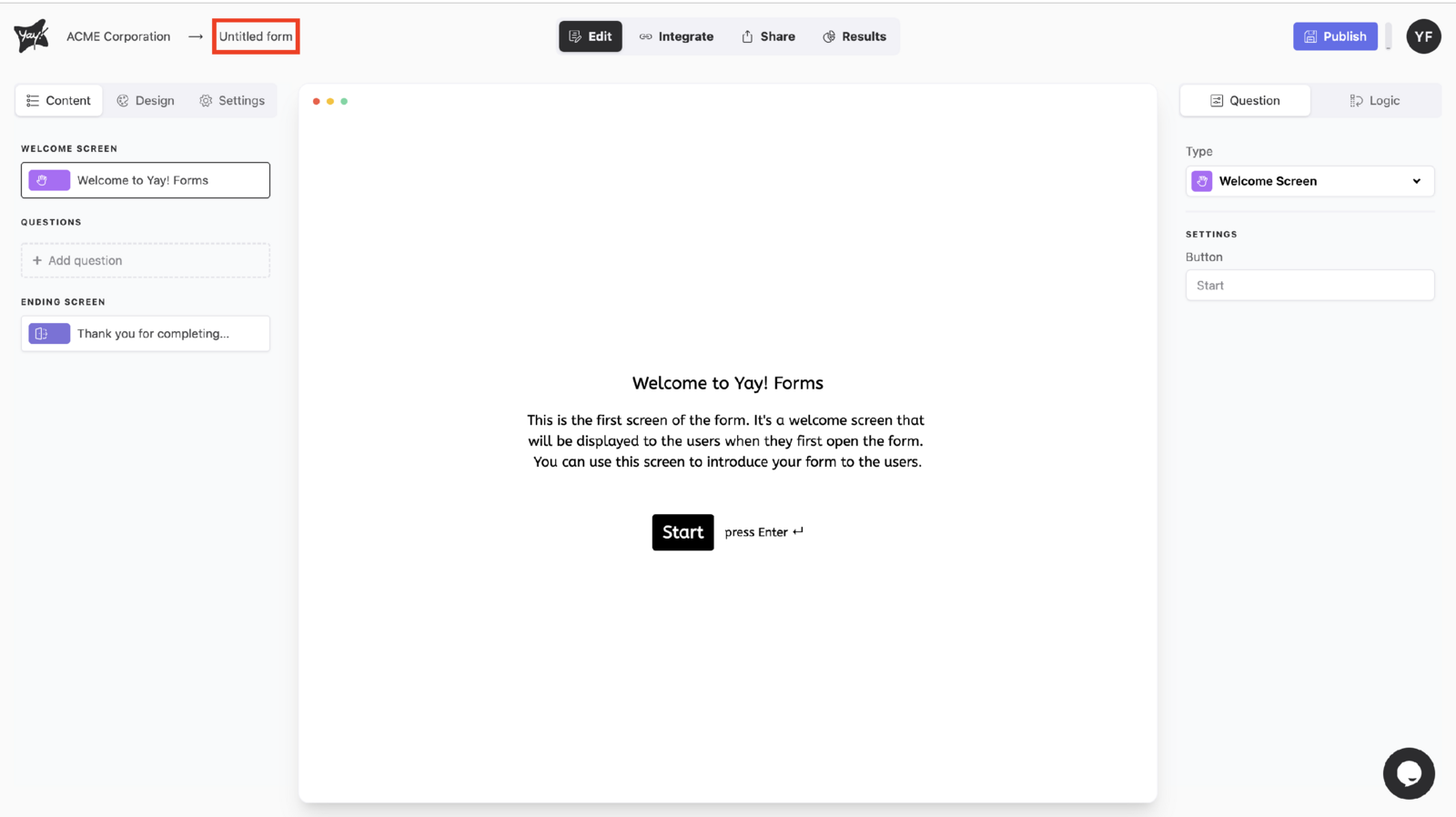
To name your form, start typing in the Untitled form text box.
Next steps
Now you can customize the welcome and ending page, add questions, customize the design, and publish your form.
Conclusion
You learned how to start a new form from your workspace and give it a name, preparing it for further customization and publication.