This article helps you understand how to discard changes or publish edits after you start customizing an already published form.
Discarding edits on a published form
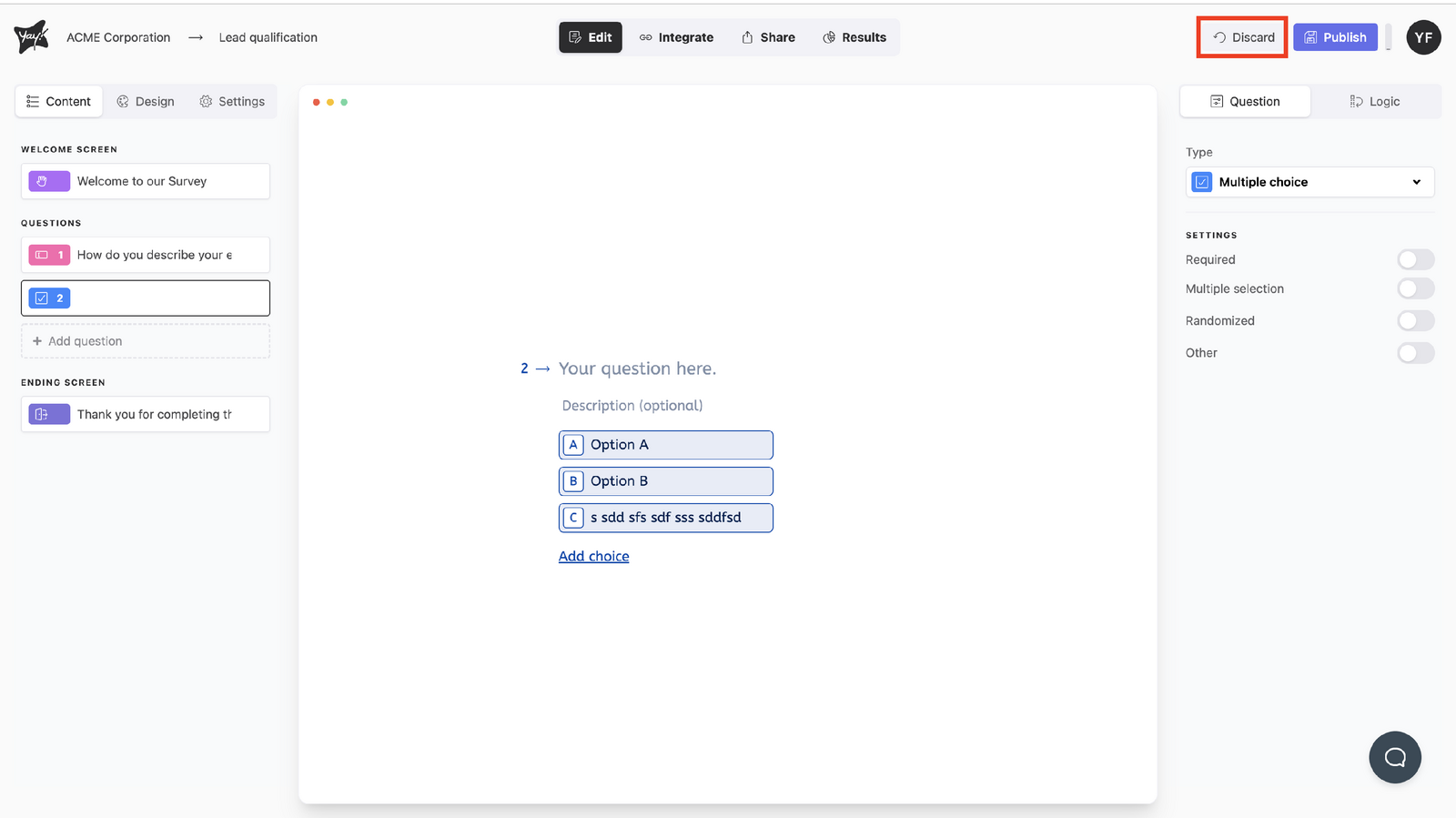
As soon as you start making edits and customizations (on an already published form), the Discard button will appear in the right corner of your screen.
If you don’t want to publish the edits, click the Discard button.
Publishing your edited form
If you’ve finished your edits and want to publish your form, you can publish it.
Conclusion
You learned when the Discard button appears while editing a published form, how to discard changes you don’t want to publish, and that you can publish the form once your edits are complete.