This article will help you download a summary of results from a form and understand what information is included in that download.
Accessing the form results
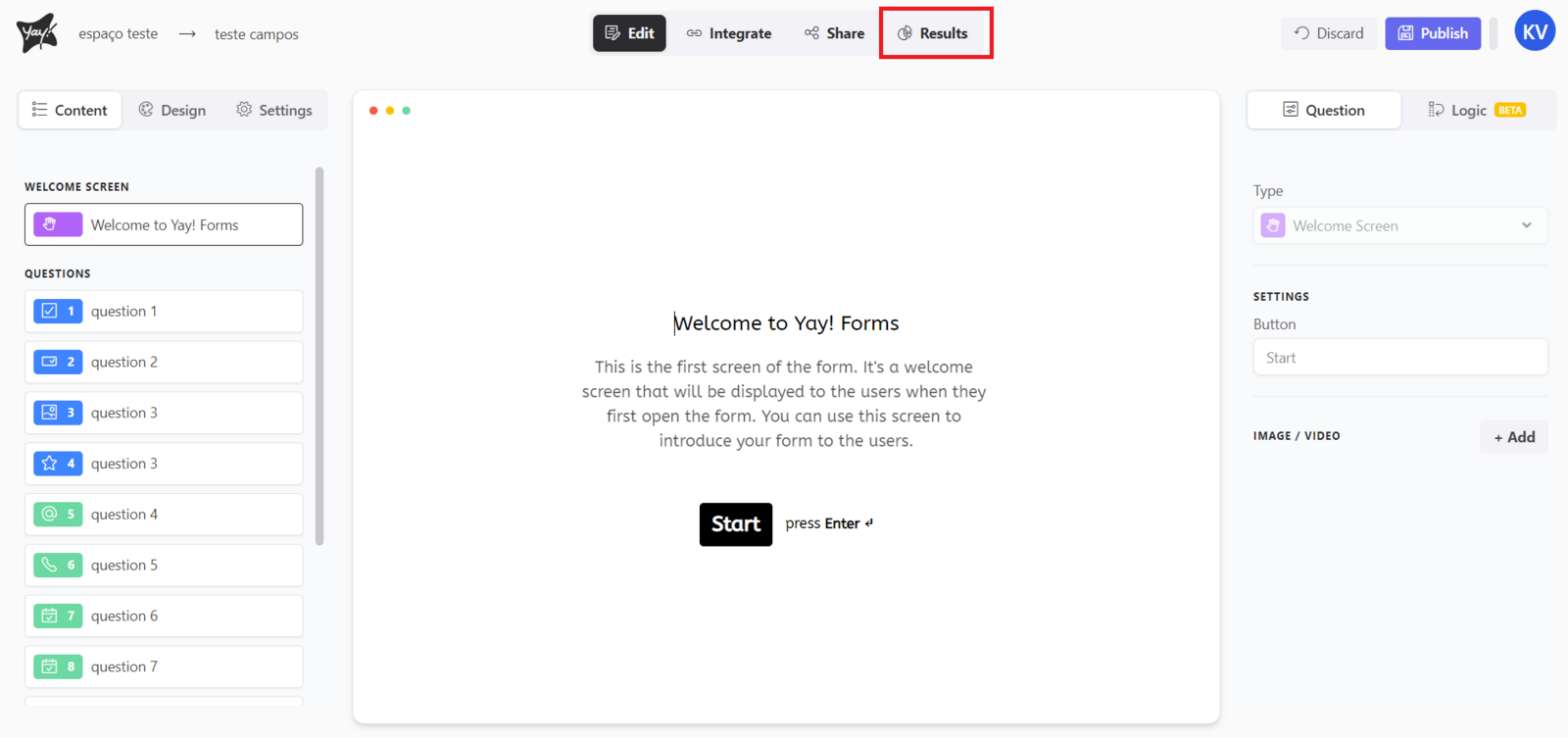
First, you should access the form you want and click the Results tab.
Downloading the summary
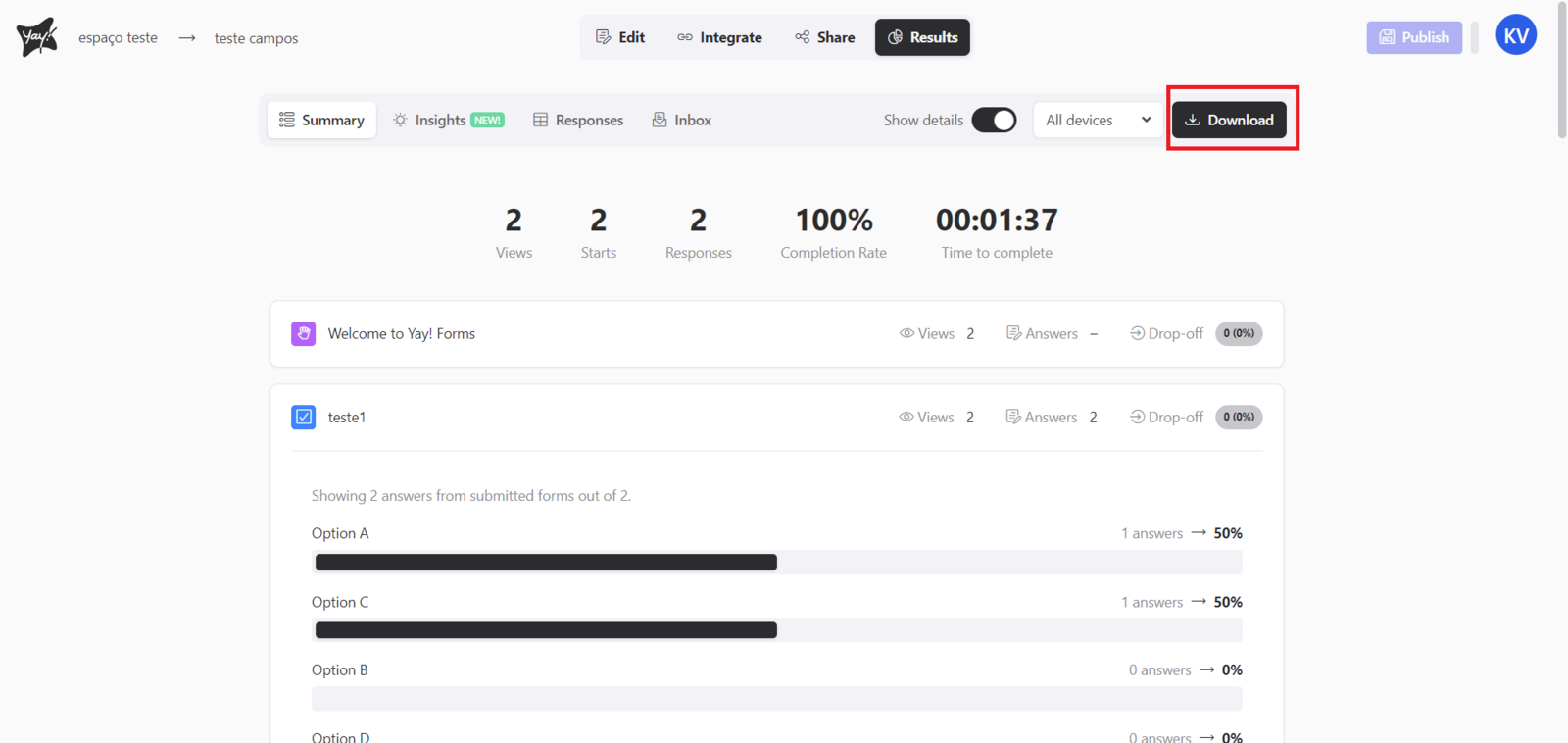
After that, you should go to the summary and click Download.
What the download includes
Keep in mind that it will display only closed-ended questions, such as multiple choice, opinion scale, etc. However, data such as the number of responses, extracted keywords, etc. will still be printed.
Conclusion
You learned where to find the results area for a form, how to download the summary from the results overview, and what types of questions and data are included in the downloaded output.