This article will help you create a form or quiz in Yay! Forms using AI assistance, from starting in your account to customizing the design and publishing the final result.
Create a form or quiz with AI assistance
-
Log in to your Yay! Forms account: Visit the Yay! Forms website and log in using your account credentials. If you don’t have an account yet, sign up to get started.
-
Access the AI Form Builder: In the dashboard, click "Create Form".
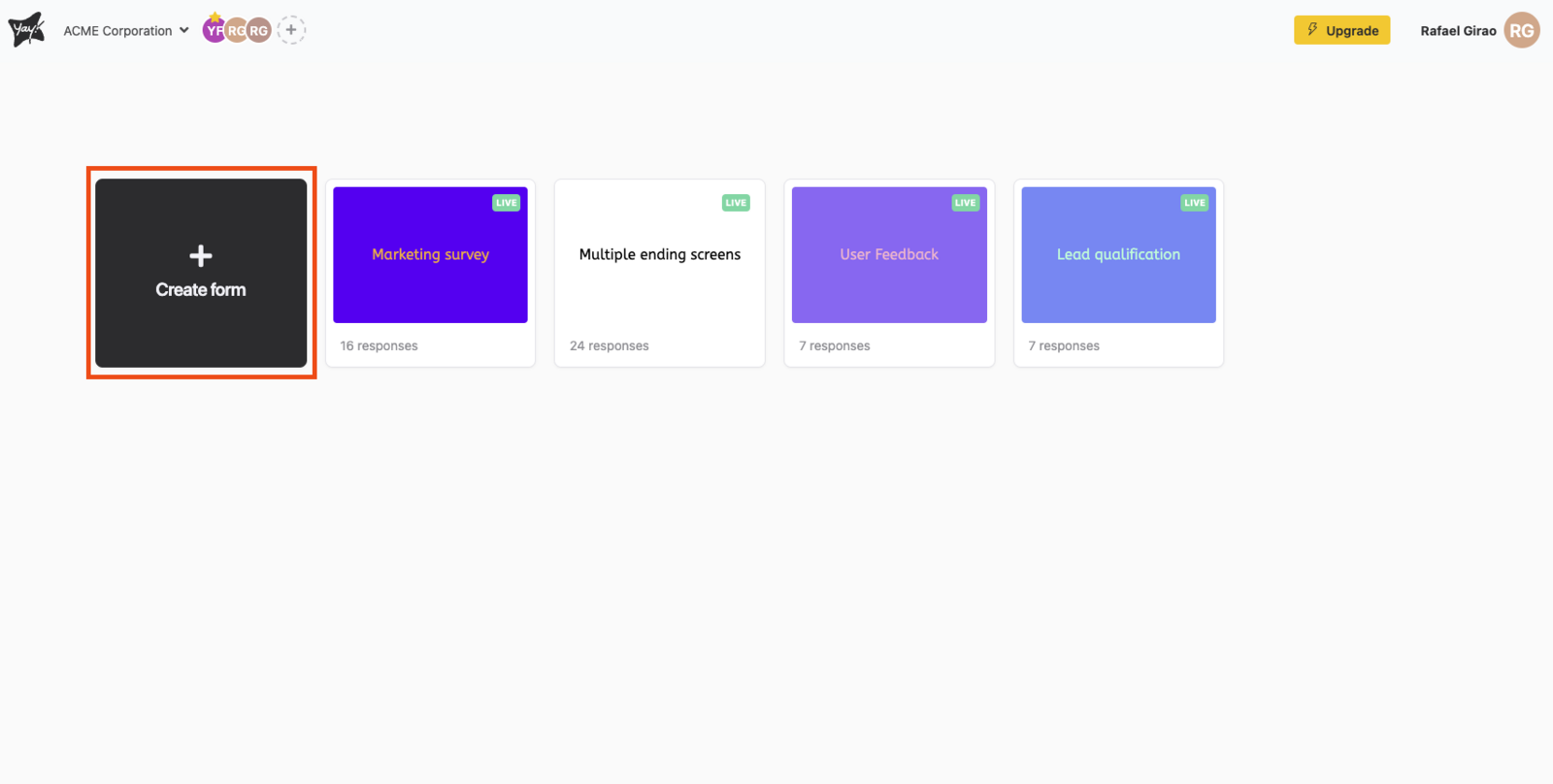
-
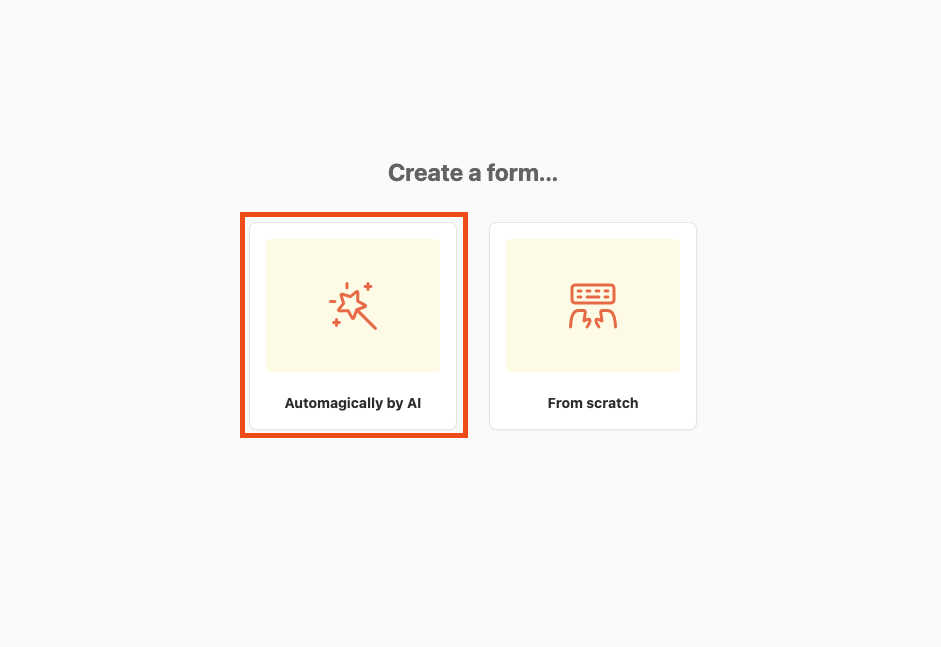
Choose AI auto-generated.
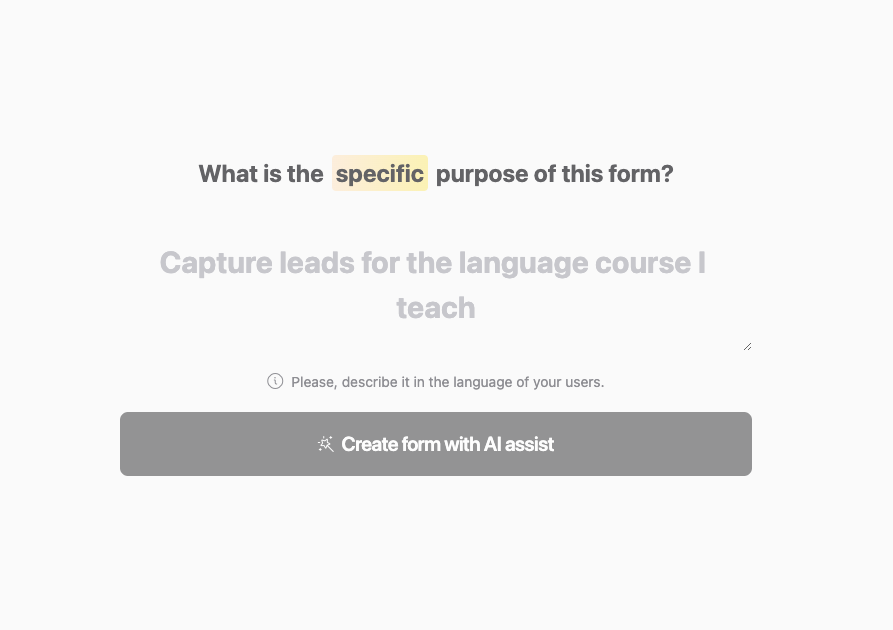
- Enter basic information and enable AI assistance: enter a specific purpose for your form or quiz. After entering the form’s purpose, click the Create form with AI assistance button.
- Customize the design: Select the "Design" tab to access customization options.
- Review and optimize your form or quiz: Preview your form or quiz to ensure it appears as desired.
- Save and publish your form or quiz:
- Click "Publish" to save and publish your form or quiz.
- Choose your preferred sharing method (for example, link, embed code) and distribute your form or quiz to your audience.
Congratulations! You have successfully created a form or quiz with AI assistance in Yay! Forms. With the help of artificial intelligence, you can now create smarter and more engaging forms and quizzes for your audience.
Conclusion
You learned how to use Yay! Forms’ AI-assisted builder to create a form or quiz, adjust its design, review the result, and publish it for sharing with your audience.