This article will help you integrate Yay! Forms with a specific platform, enable or disable the integration, and access options to adjust settings or run a test.
Integrating Yay! Forms with a platform
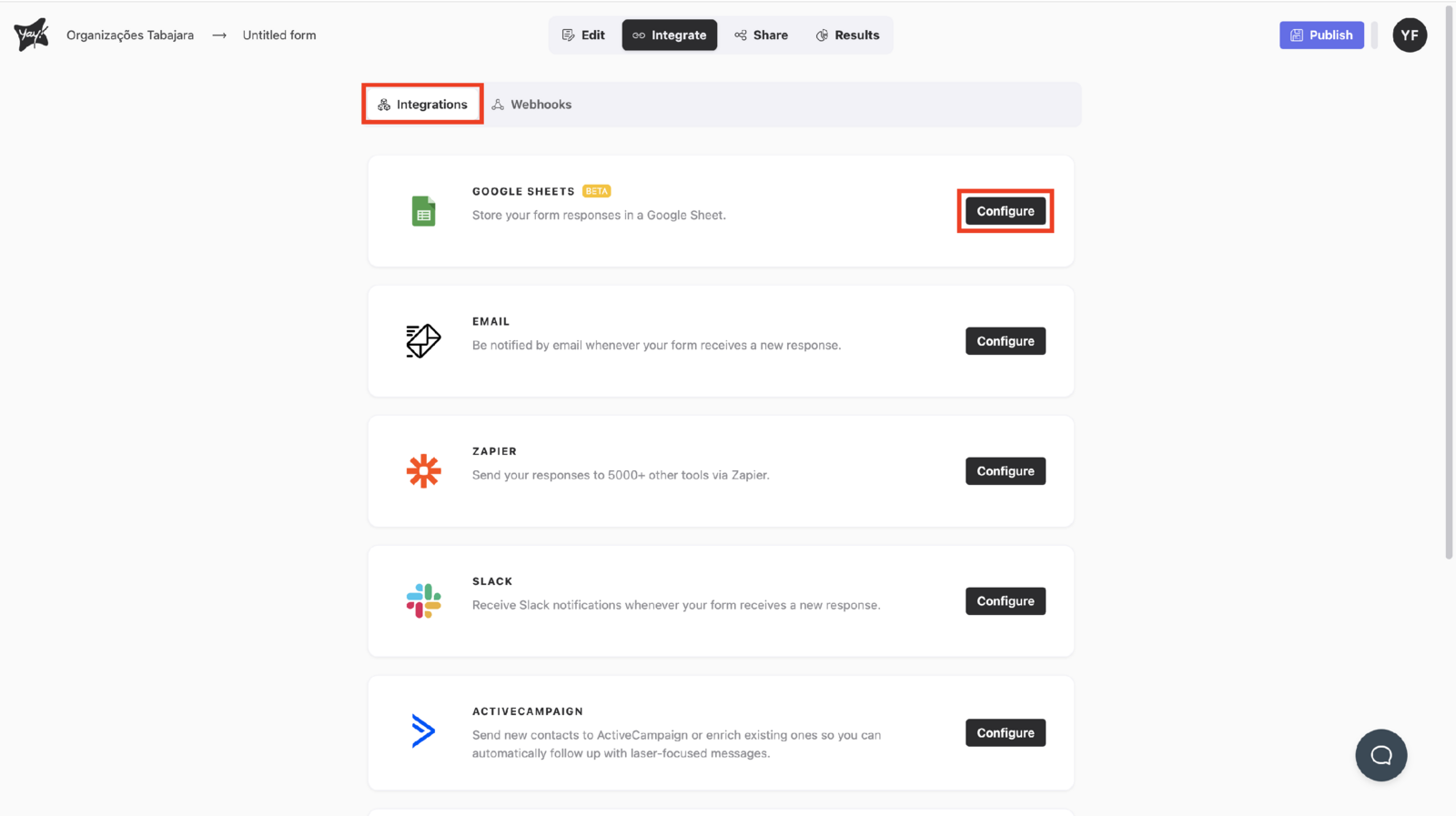
To integrate Yay! Forms with a specific platform, click Integrate at the top of the screen and then click Configure on the chosen platform.
Enabling and disabling an integration
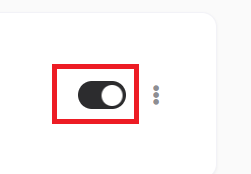
After you set up your integration, you can easily enable and disable it by clicking the button below:
Adjusting settings and testing an integration
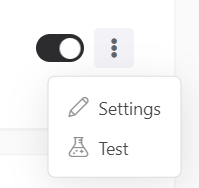
In addition, you can also adjust your integration settings or test it by clicking the three dots:
Important Notes
-
Fill out the form
For the test to be sent correctly, the form must have at least one valid response filled out. -
Data submission
The test will send the data from the most recent valid response filled out. -
Submission status
Please note that the test does not mark the response as sent in the specific integration being tested. This is only a procedure to verify the integration.
Conclusion
You learned where to configure an integration in Yay! Forms, how to toggle it on or off, and where to access options to adjust settings or run a test, along with key notes about how the test behaves and what data it sends.