This article will help you share your form with the public by generating a shareable link, and show how to preview and test your form on both desktop and mobile before sending it out.
Sharing your form
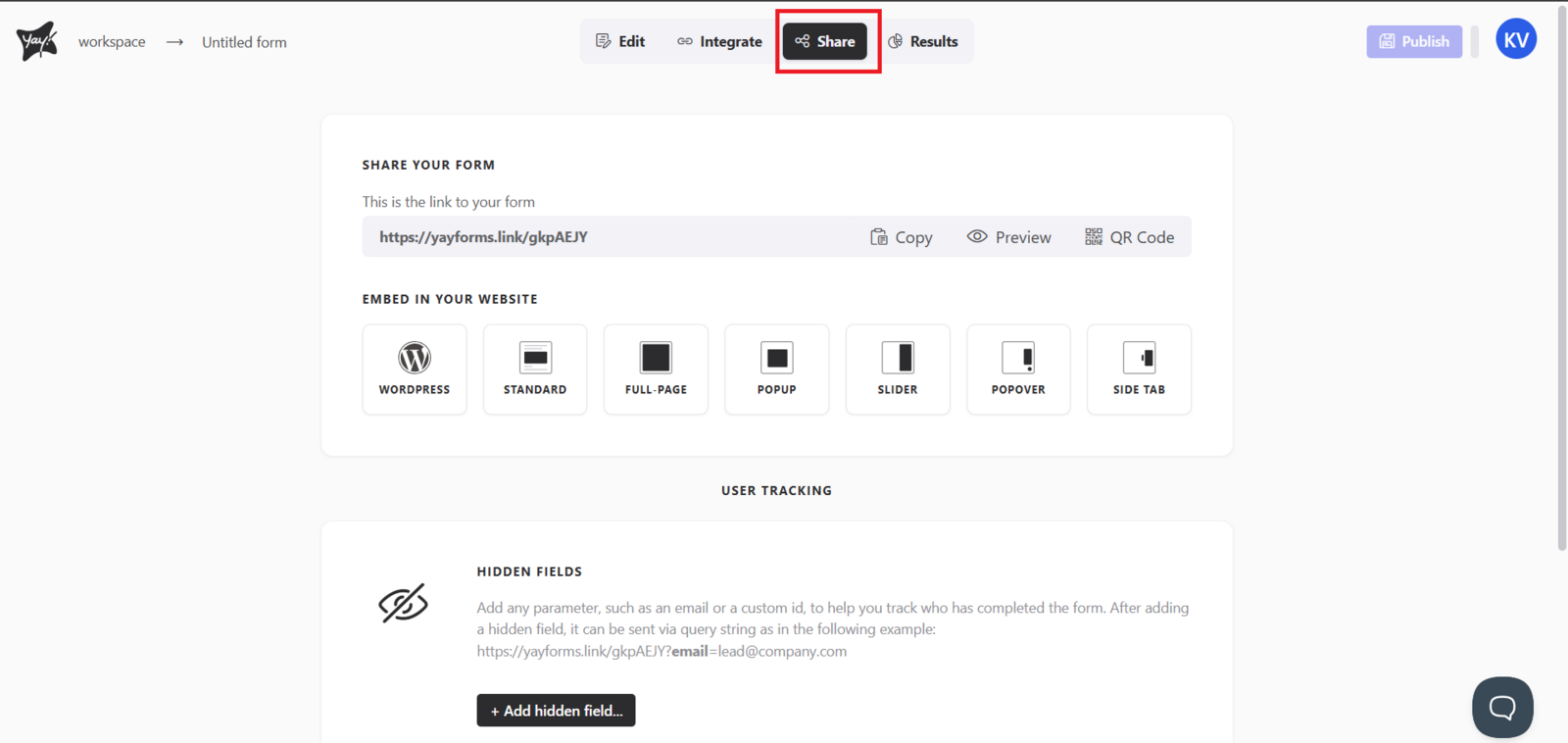
To share your form with the public, click Share at the top of the screen.
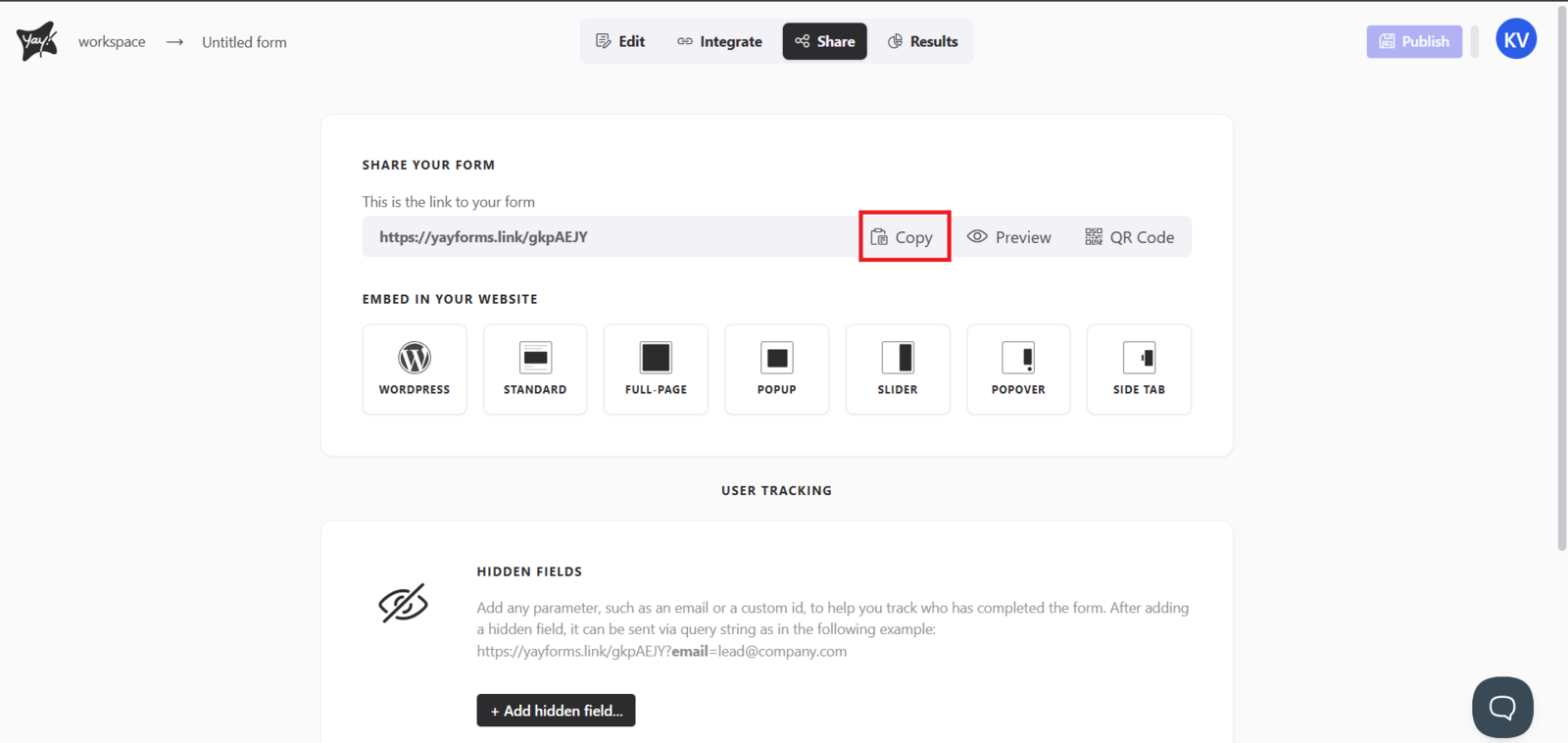
Next, click Copy to copy your form link and share it however you like.
Previewing and testing before sharing
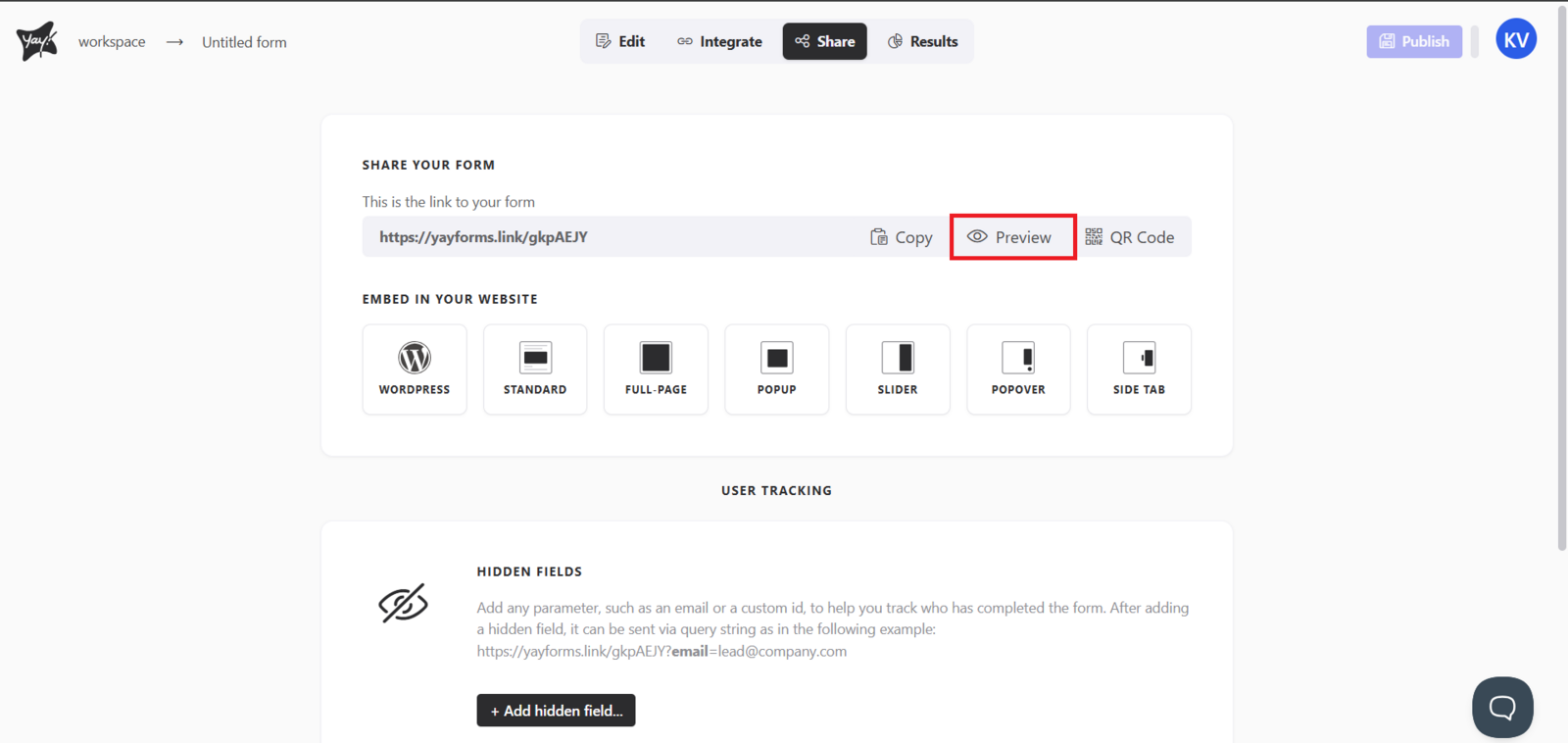
Before sharing your form, you can test it by clicking Preview. You can test on both desktop and mobile, as shown below.
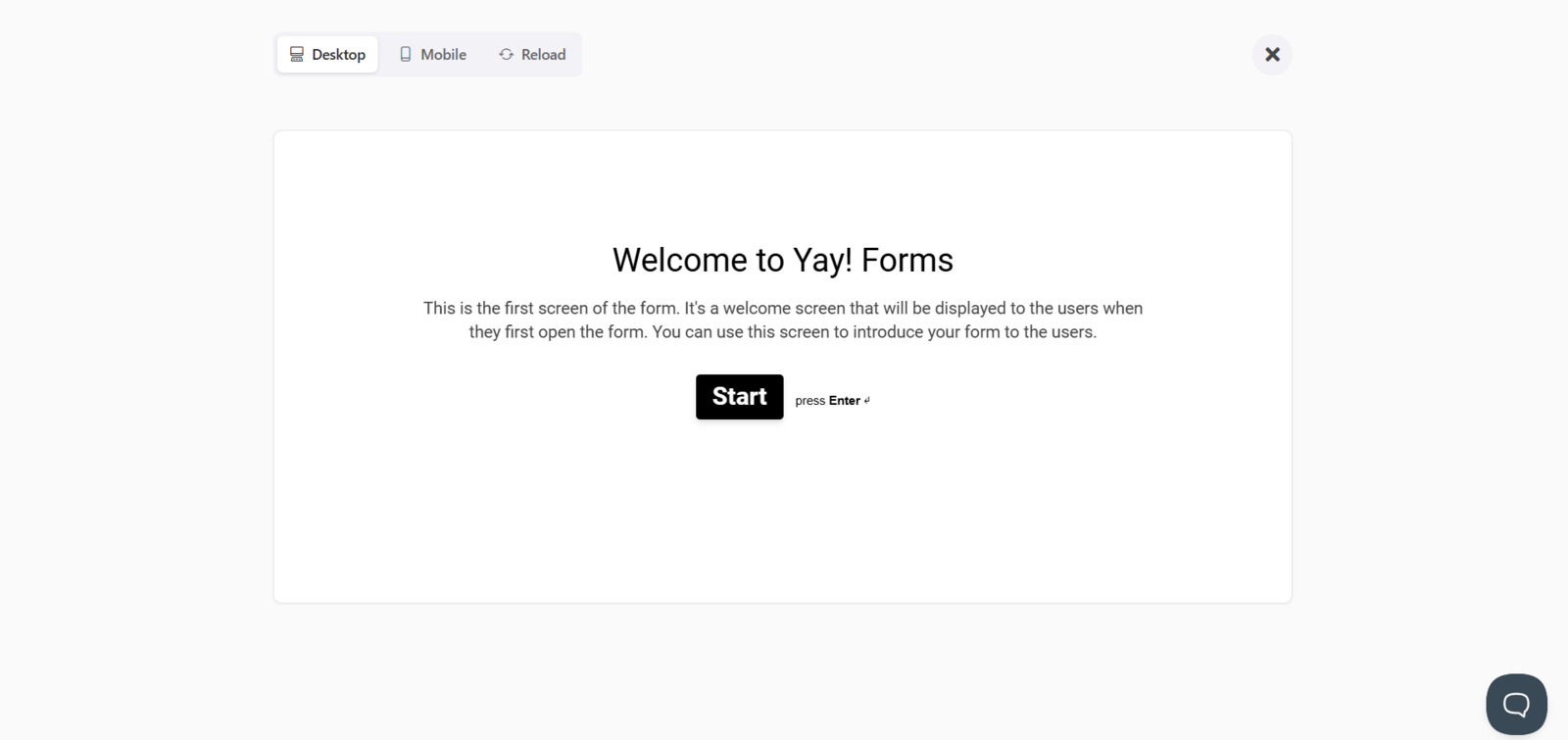
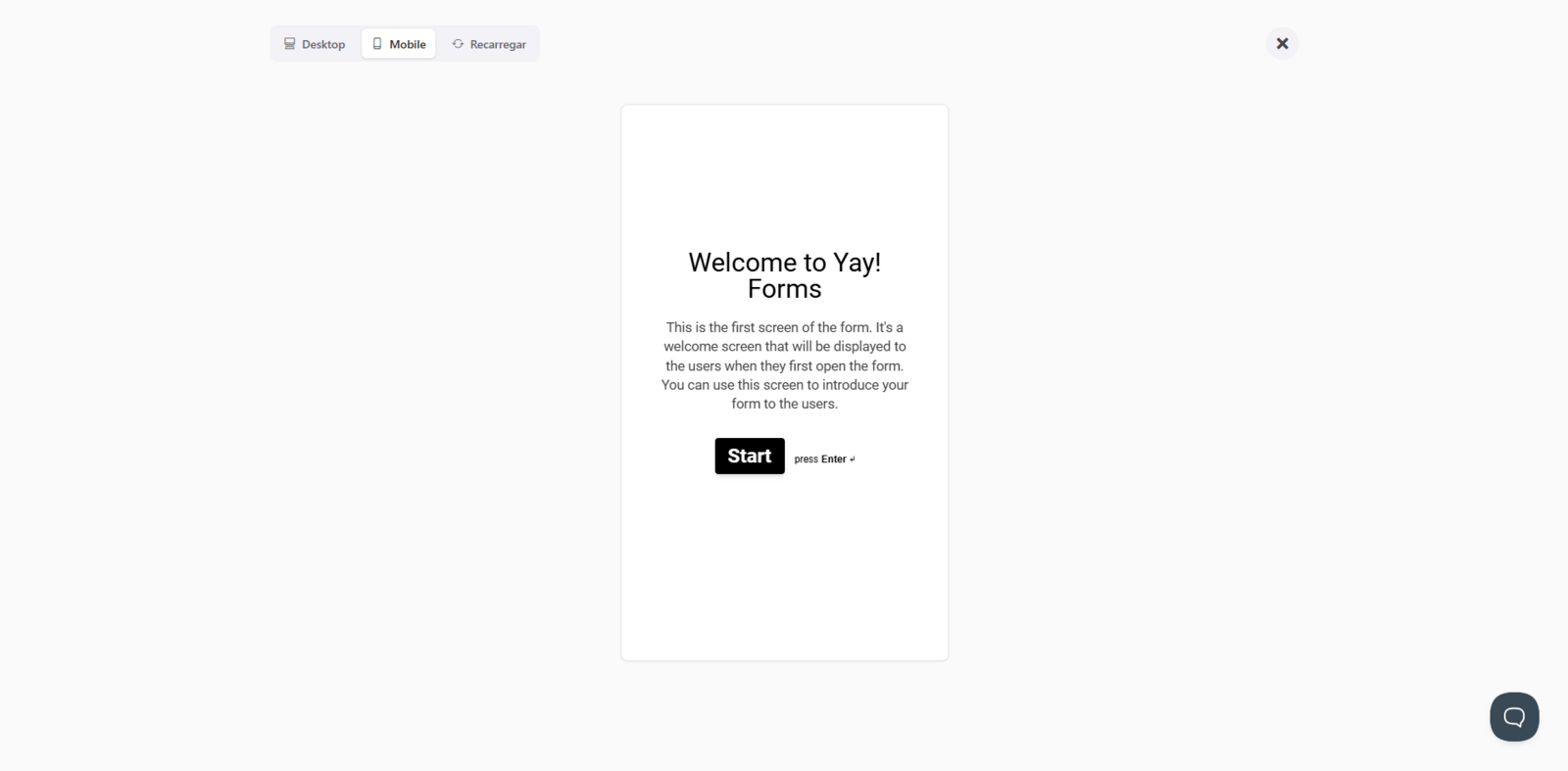
Remember that the responses tested will not count toward your total number of responses.
Conclusion
You learned where to find the sharing option, how to copy your form link for distribution, and how to preview the form on desktop and mobile to validate the experience before sending it to others.